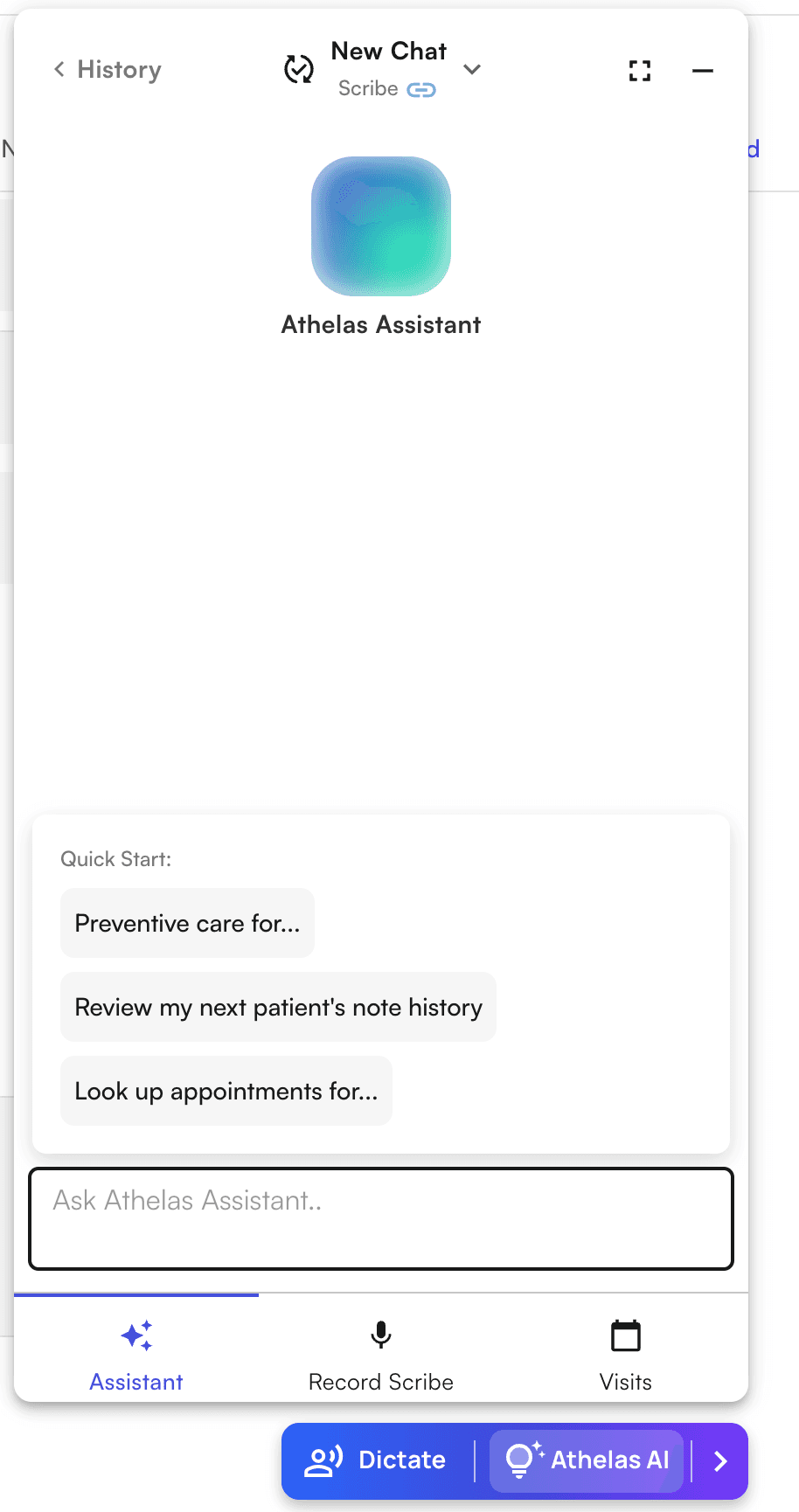
Usage
Pro tip: Use dictation or voice mode in the Assistant input box! To start:- Click the blue button in the bottom-right corner of the screen to show the AI Widget
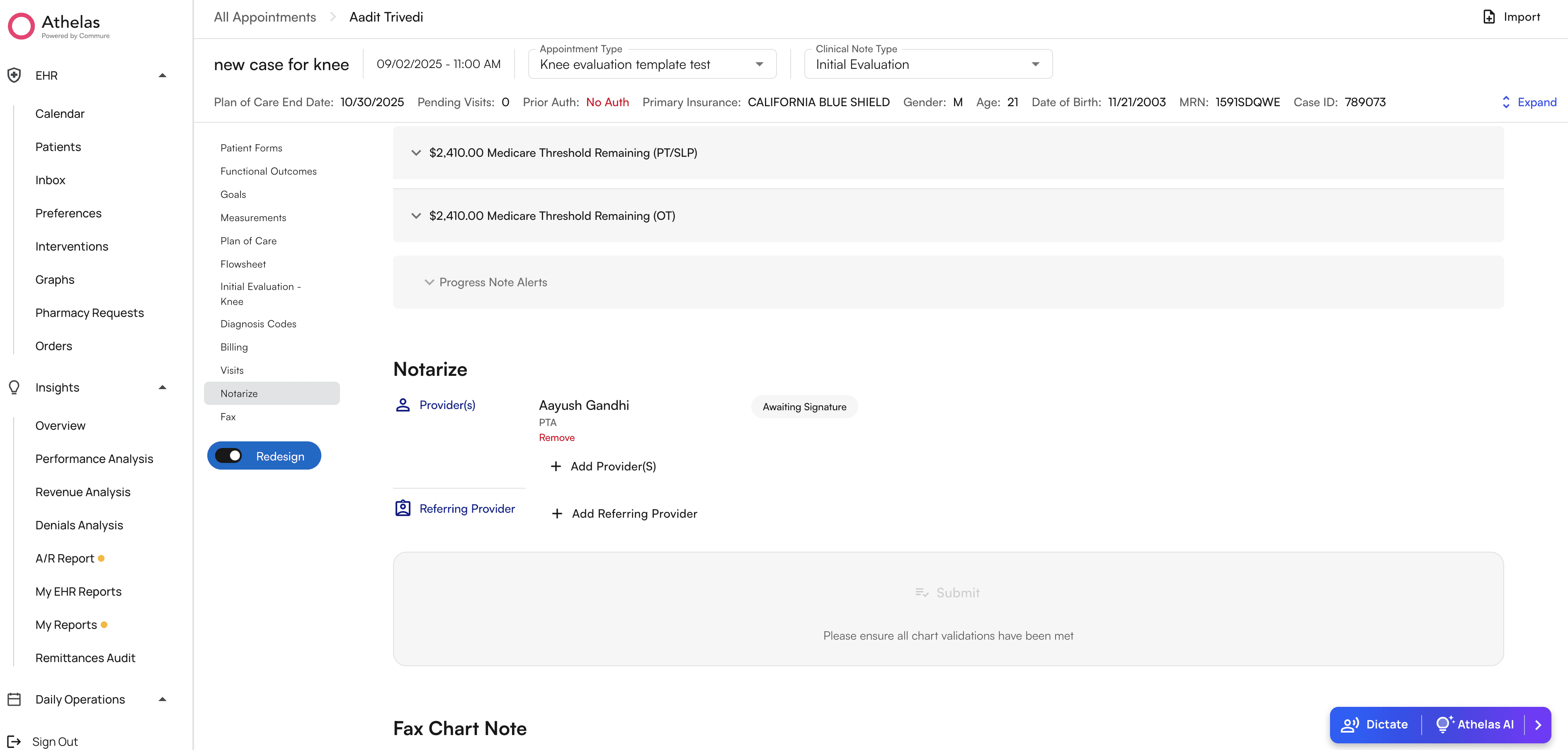
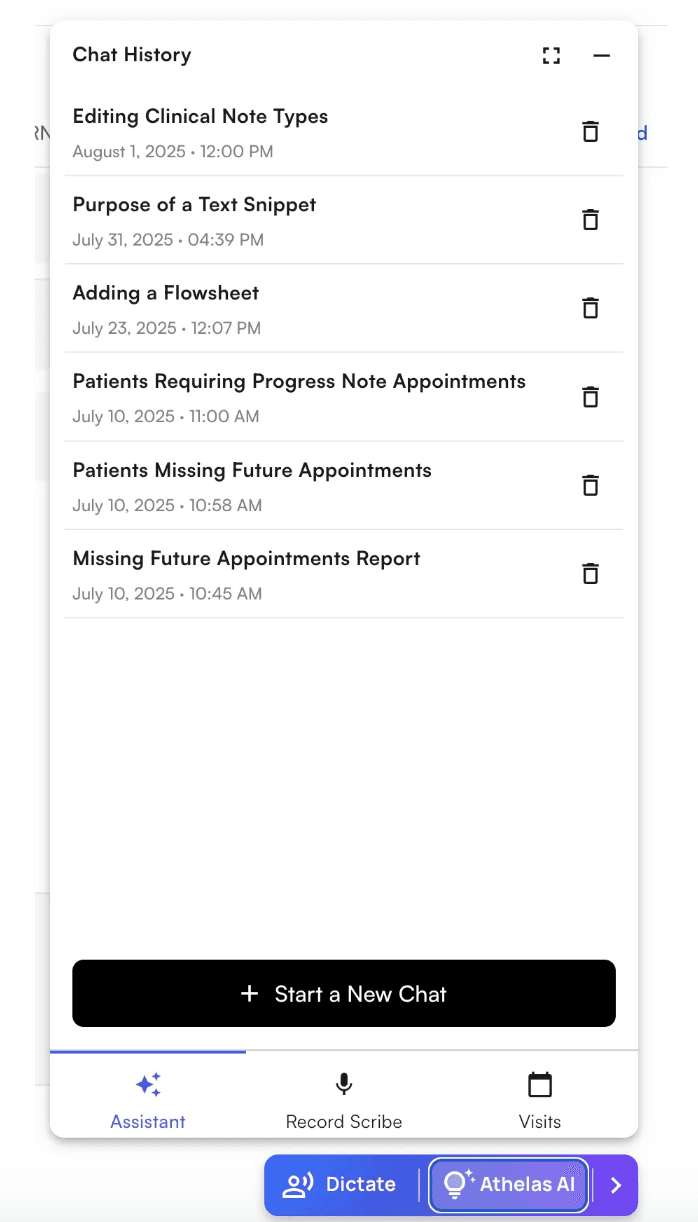
- Click “Athelas AI” to open the Athelas AI widget, and then click on the “Assistant” tab. You’ll see a chat history page with no current chats, click on the “Start New Chat” button to start chatting
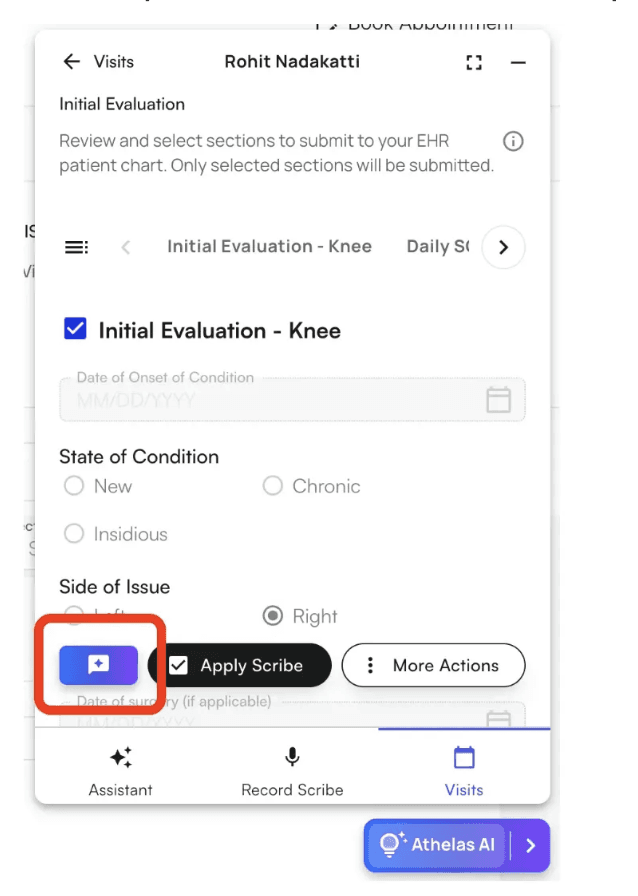
- You can also create a chat linked to the scribe from the completed scribe view - to ask questions with the full transcript and note as context
- You’ll see some quick start suggestions, but also ask it directly what it can do!
- You can always go back to your chat history to view older chats and create new chats
- Start fresh by clicking the dropdown in the chat page to create a new chat