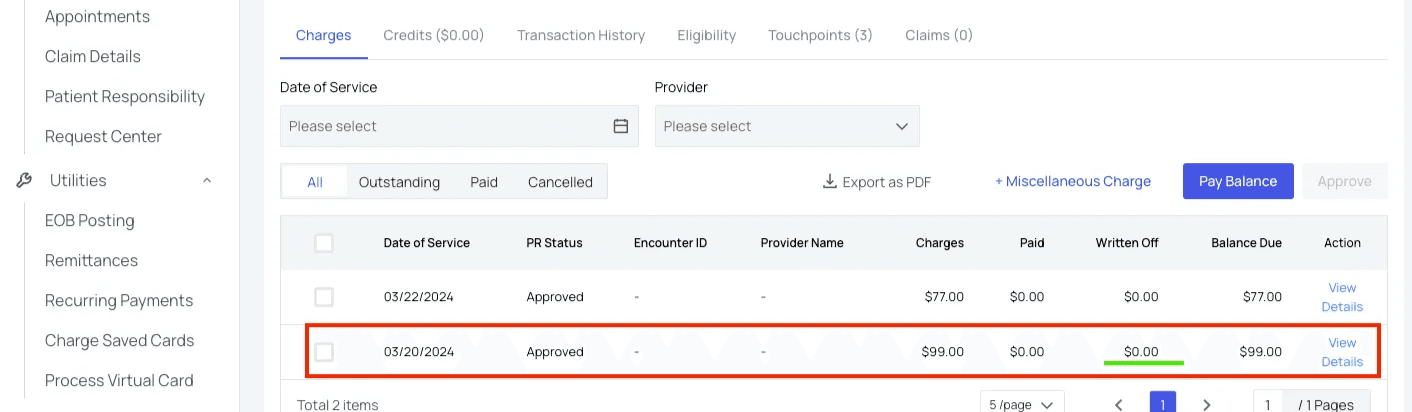
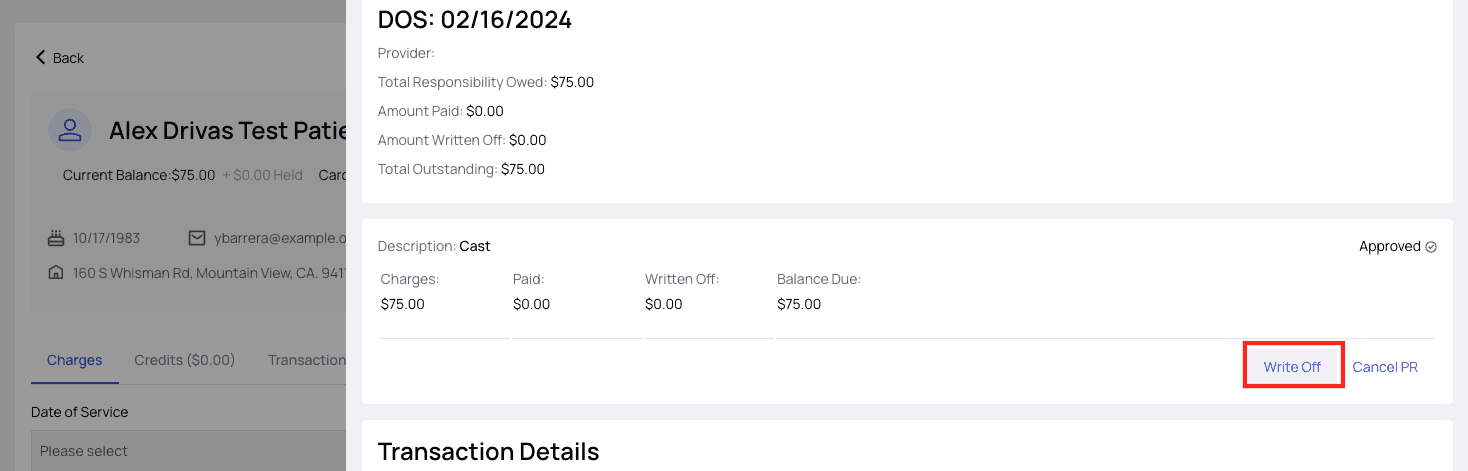
- Click the ‘Write Off’ button again to open the write-off controls.
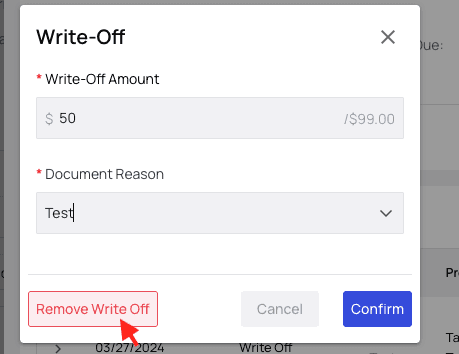
- Then click the red ‘Remove Write Off’ button and you’re all set.

How to Undo a Write-off
Navigate to the patient’s profile. In the ‘Charges tab (or Transaction History tab), find the line with the written-off charges you want to reverse and click ‘View Details.’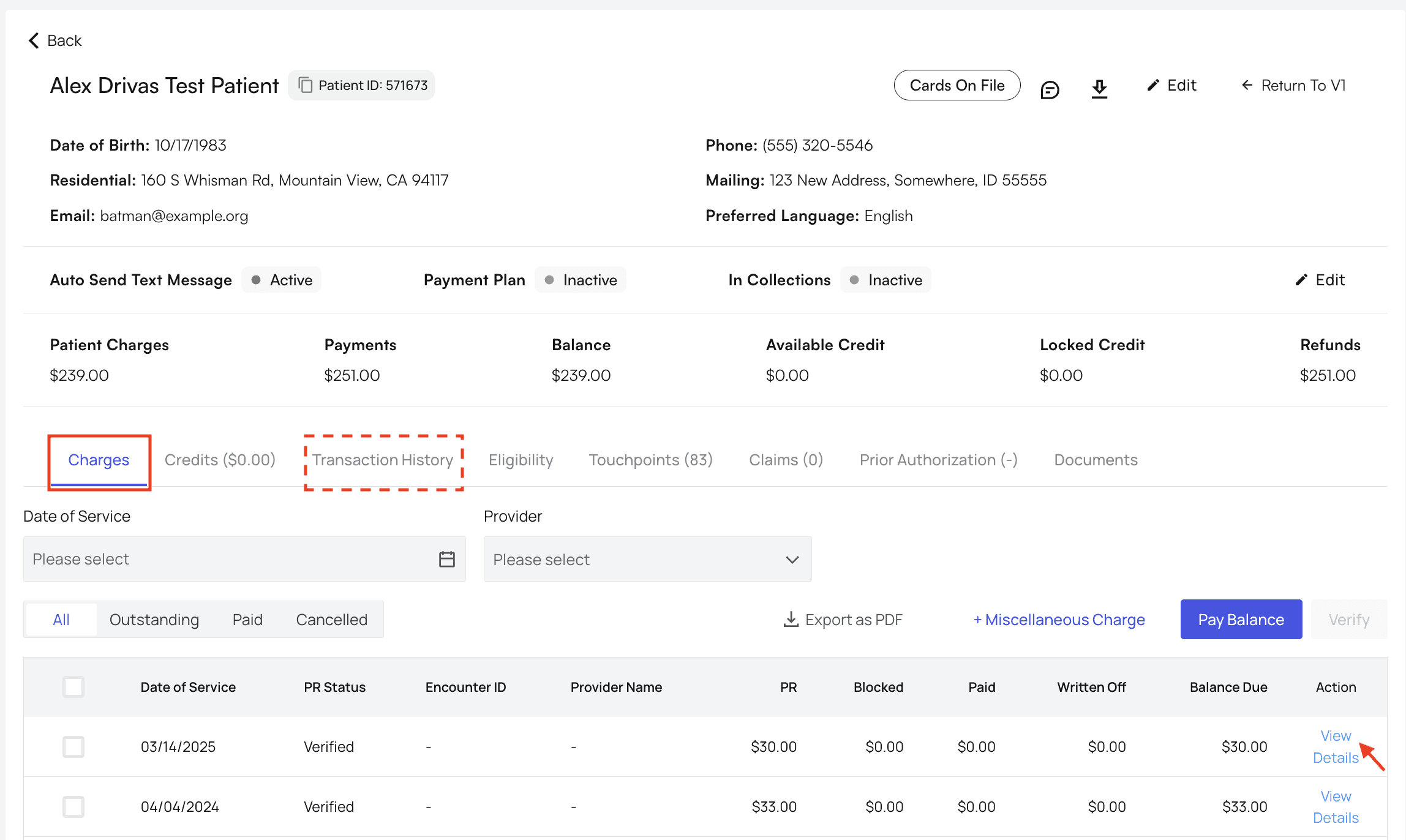
Write-Off Reversed!
The patient’s PR for this claim will now return to its original state, and the patient’s outstanding balance will be updated across Athelas Insights to reflect your action.