
Write Off PR (Procedure Only Action)
⚠️ Currently, Write Off PR can only be applied to procedure-level Payment Items. A Patient Responsibility Write Off removes a balance that was assigned to the patient but should no longer be collected. This is typically used when your organization decides not to bill the patient for a portion of their responsibility (copay, deductible, or coinsurance). Like payer write offs, this is a net-zero operation: the amount is moved out of the corresponding Patient Responsibility column and into the Other Adjustments column. This reduces the outstanding patient balance on the encounter by the written-off amount. How it works:- Locate the remittance with a patient responsibility balance (copay, deductible, or coinsurance) you want to write off in the Payment Items Table.
- Open the Actions menu (three-dot menu in the right-most column) and select Write Off PR.

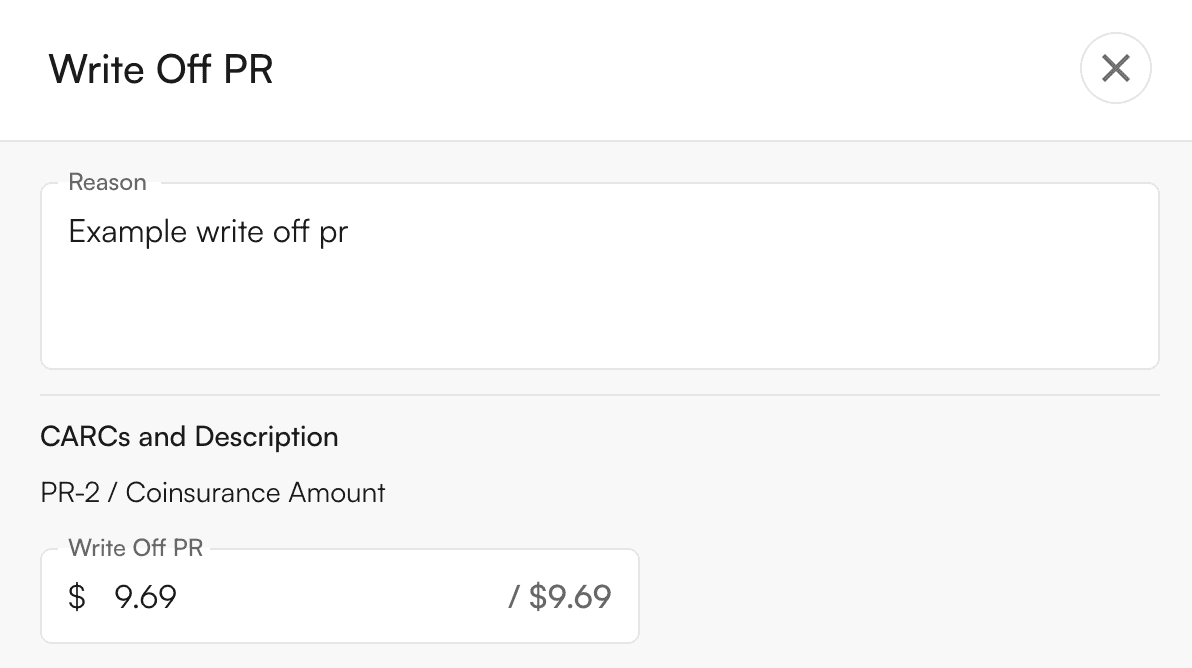
- Enter a reason for the write off and specify the amount to write off for each PR CARC. Then click Write Off PR.
- A yellow preview row will appear showing the write off and its impact on balances.

- Review the preview. Crossed-out values with updated values beside them will show how the write off affects encounter-level and (if applicable) procedure-level amounts. Click the undo button (in the right-most column) to remove this preview.
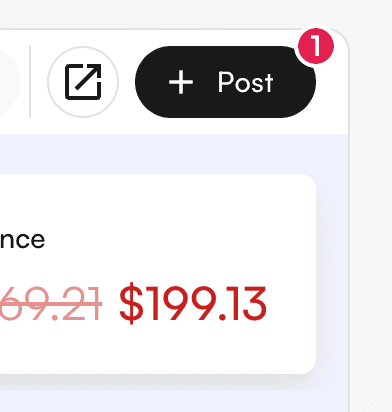
- To permanently apply the write off to the ledger, click Post.
- Write Off PR can only be applied to patient responsibility balances like coinsurance, deductible, or copay (not to payments).
- The original amounts remain visible in the ledger for auditing, with the write off recorded as a separate line item.
- In the preview row, you can click directly on the Value columns or the Note column to edit amounts or text before posting.