
How the Inbox is organized
Each row in the left navigation represents a note and shows the patient name, date of service, and clinical note type. Click a row to open that note on the right.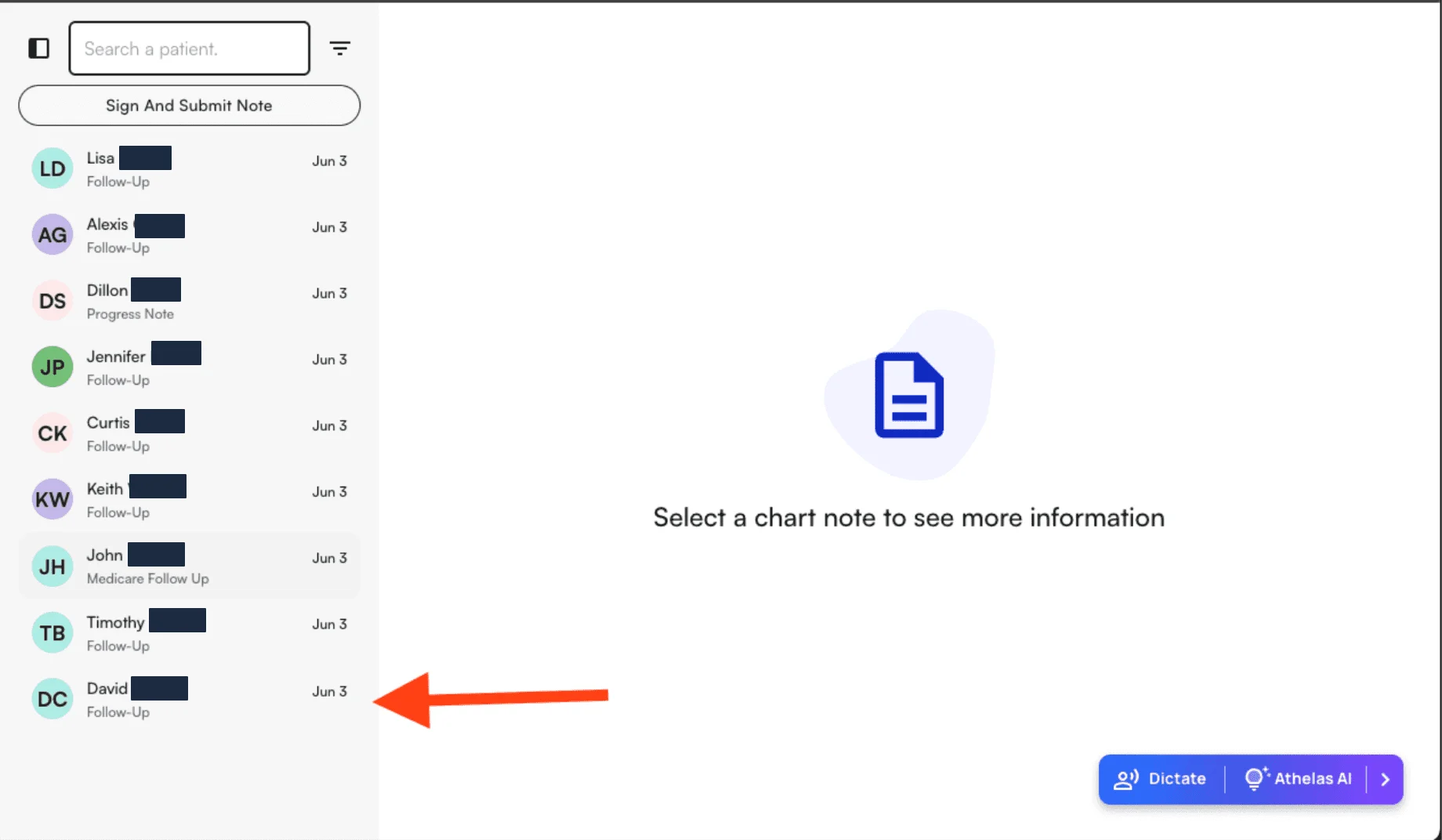
Working through your notes
- Select a note from the left to open it.
- Review and complete the note’s sections.
- Sign and submit the note when it’s ready — it clears from your Inbox once submitted.