
Updating Appointment Statuses
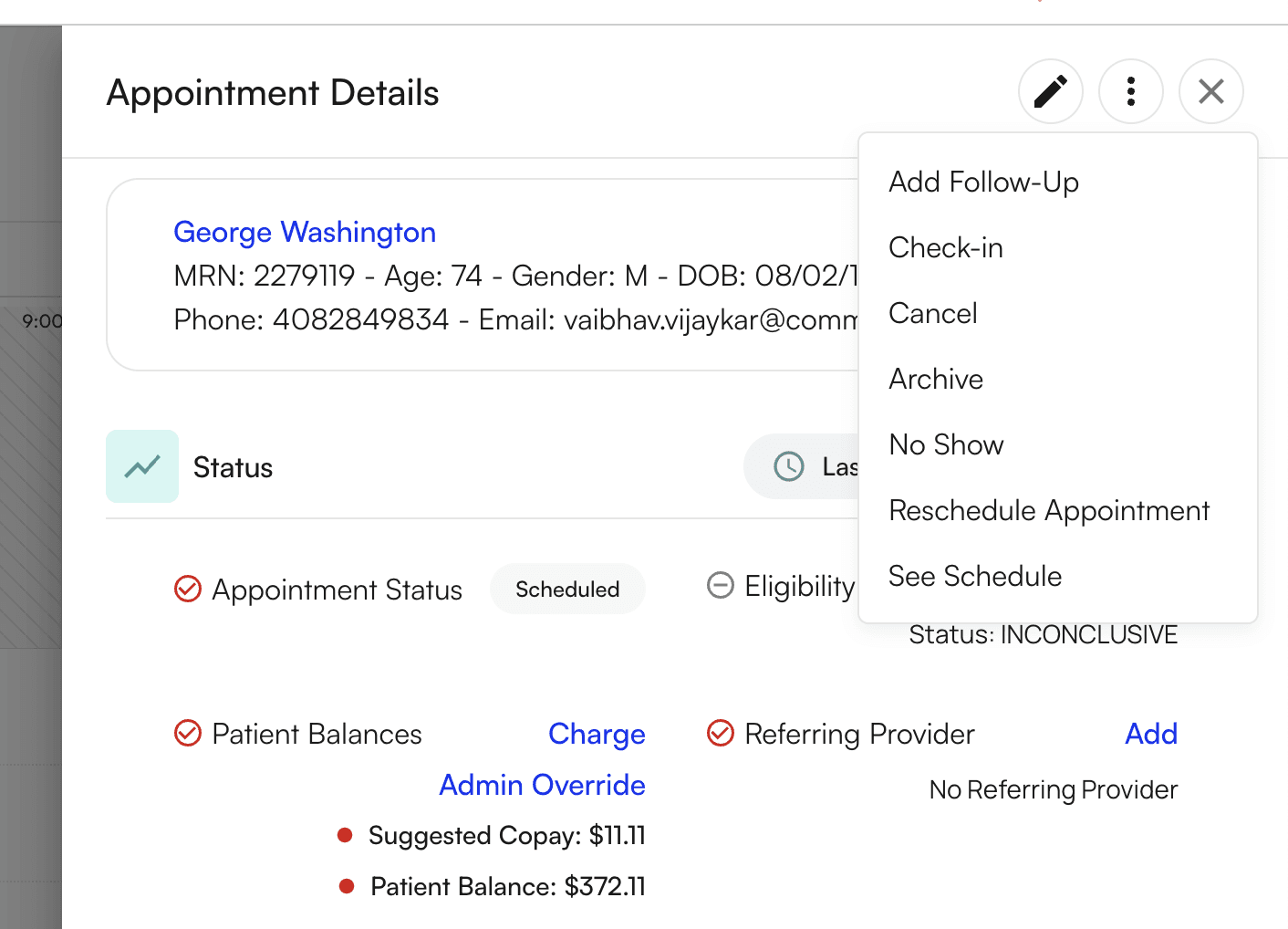
On the appointment details page, you’ll be able to edit the appointment information and status via the icons on the top right page. The pencil icon will open up the appointment page for details to be edited. On the other hand, clicking on the 3 vertical dots will cause a menu to appear where you will be able to change the appointment status.