
Fundamental components of a Chart Note
- Plan of Care
- Measurements
- Goals
- Treatments
Setting up Chart Note preferences
When you open a Chart Note, you’ll see a set of buttons for configuring its base setup.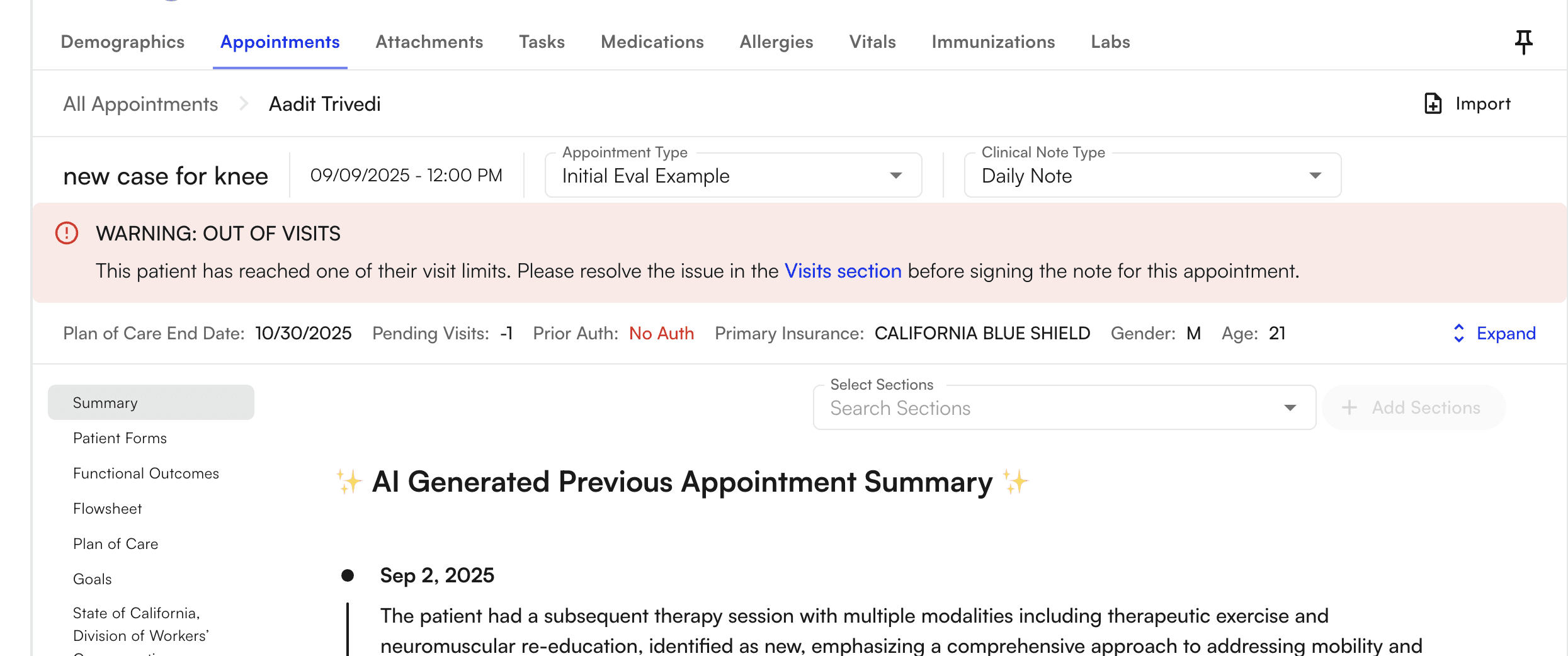
- Navigate the note — see Navigating the Chart Note.
- Apply a custom template — see Set up Custom Chart Note Templates.
- Add measurements — see How to Add Measurements.