Additional Appointment Features
Copy and Paste Appointments Air has a great feature that allows you to copy and paste any appointment on the calendar page directly! To copy an appointment, either double click or hold control on your keyboard and click on the desired calendar block. Pasting the appointment will create an exact copy of the appointment you selected, but change the date and time of the appointment based on where you selected on the calendar. When done correctly, a small popup will appear with the option to copy appointment details. Select this option then, click on any calendar slot and the option to paste appointment details will appear.
Blocking Time on the Calendar
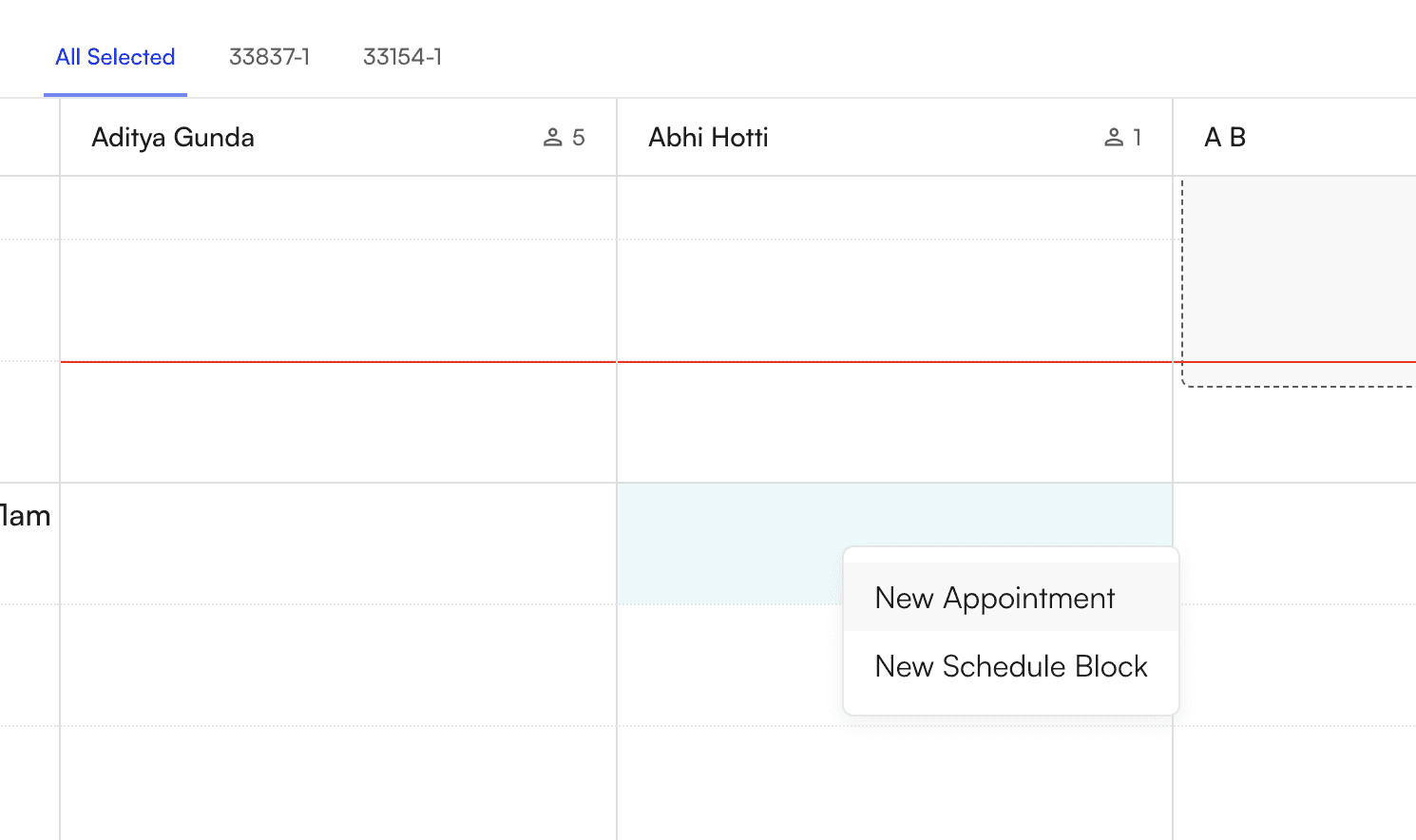
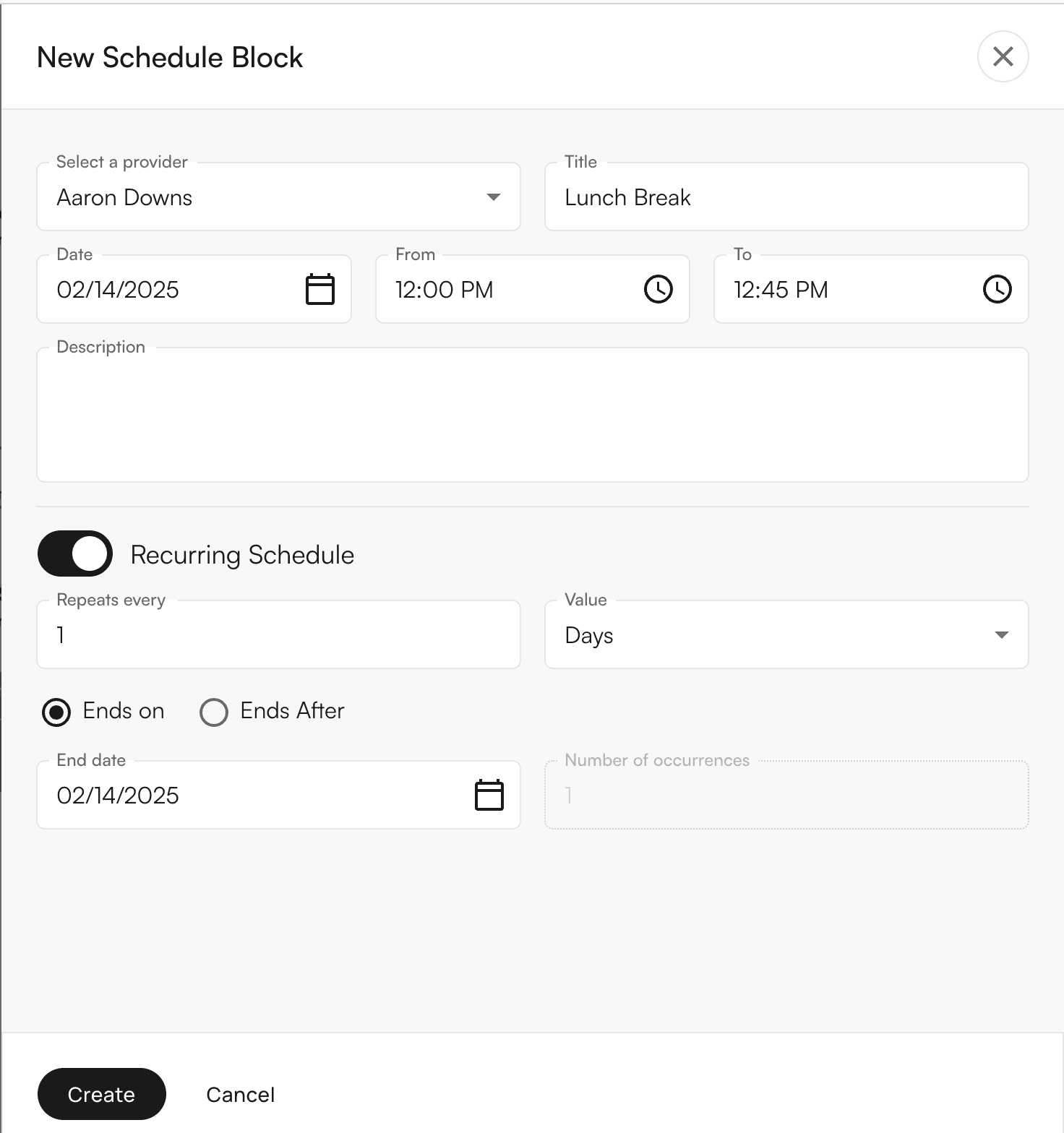
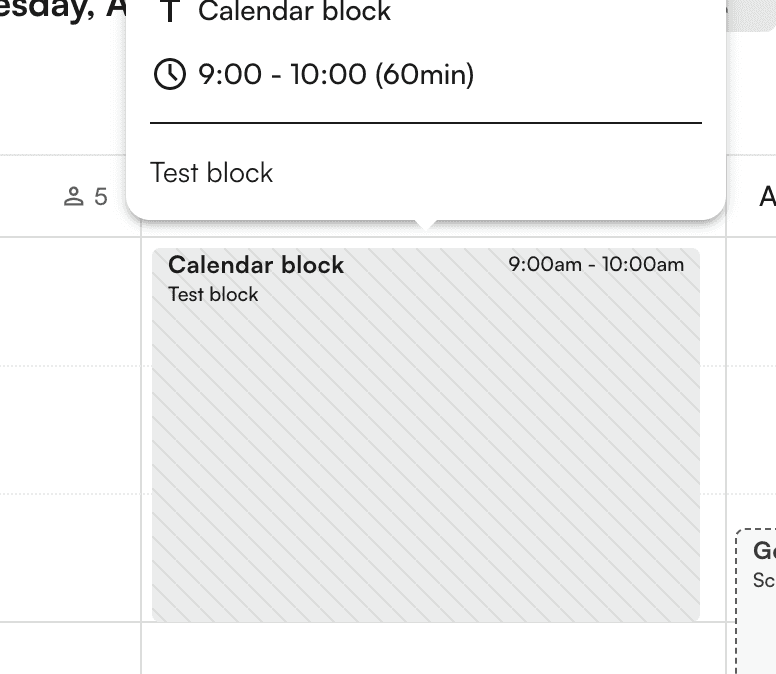
Schedule blocks are ways your practice can block out time for meetings, admin days, vacations, or anything else. Similarly to scheduling an appointment, you can create a time block directly on the calendar itself or on the top right corner under *Create New *and selecting Schedule Block. A side panel will appear with the ability to select the provider, title and time/date the block occurs. This can also be set up to be a recurring block which can be configured for multiple day and occurrences as well as end on/after a specific date.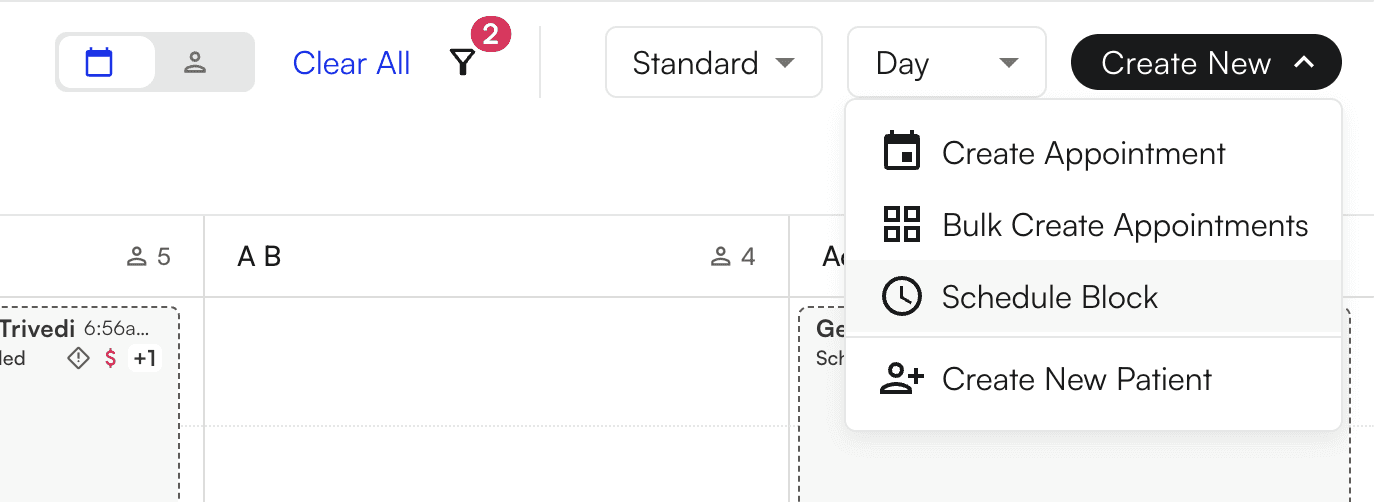
Rescheduling Appointments
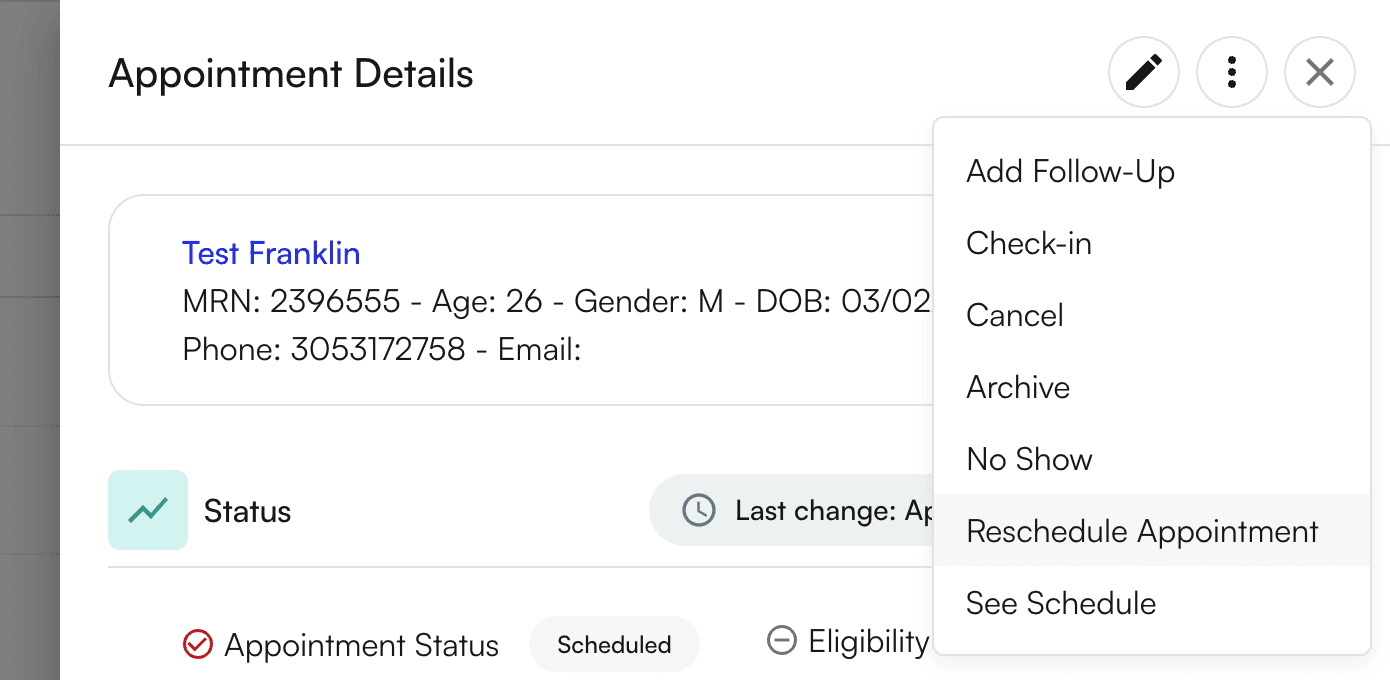
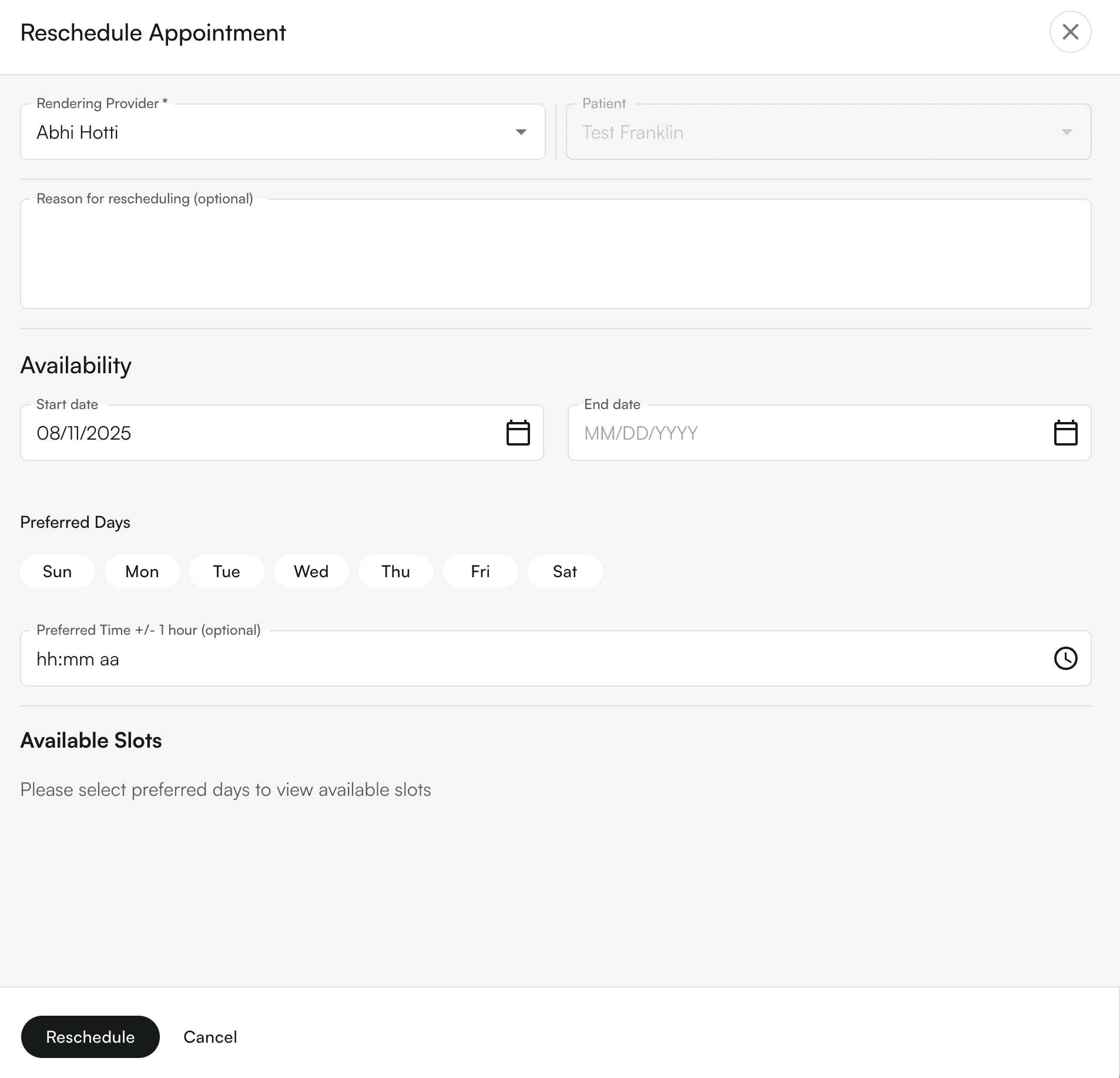
Reschedule upcoming appointments here: