- General
- Calendar
- Waitlist
- Portal Configs
- Chart Note
- Appointment Types
- Measurements
- Medications
- Provider
- Insurance
- AI
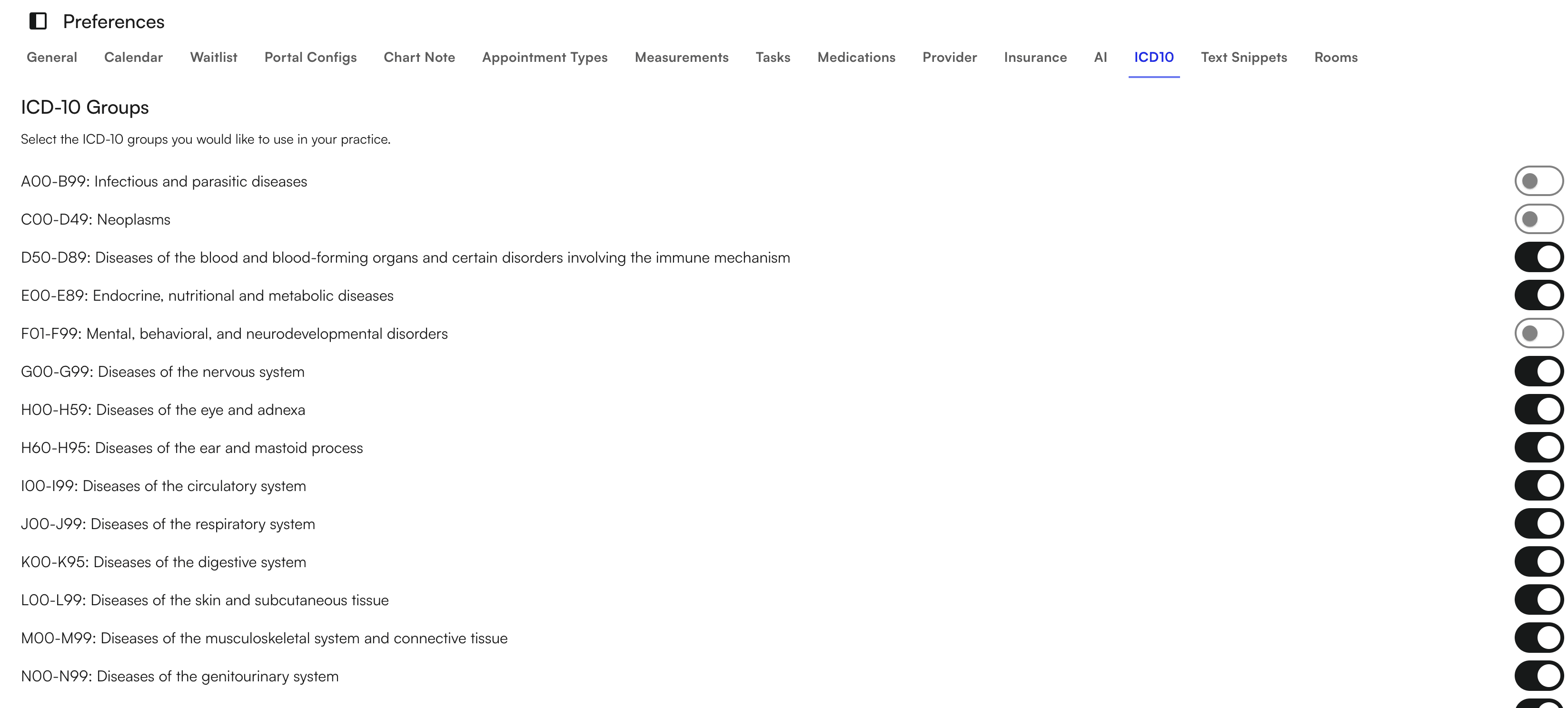
- ICD10
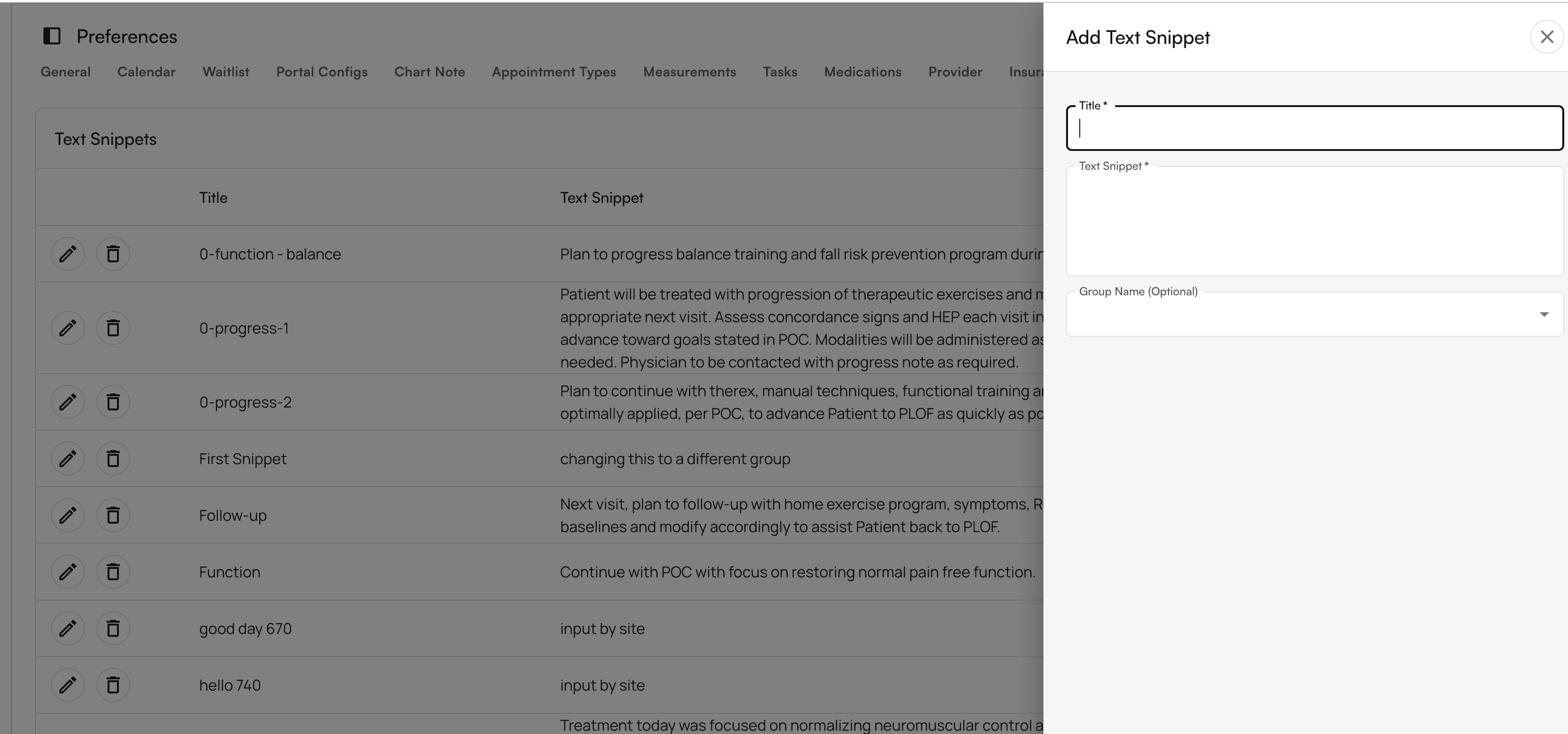
- Text Snippets
- Rooms Set up your practice’s preferences through each setting under the Preferences tab:
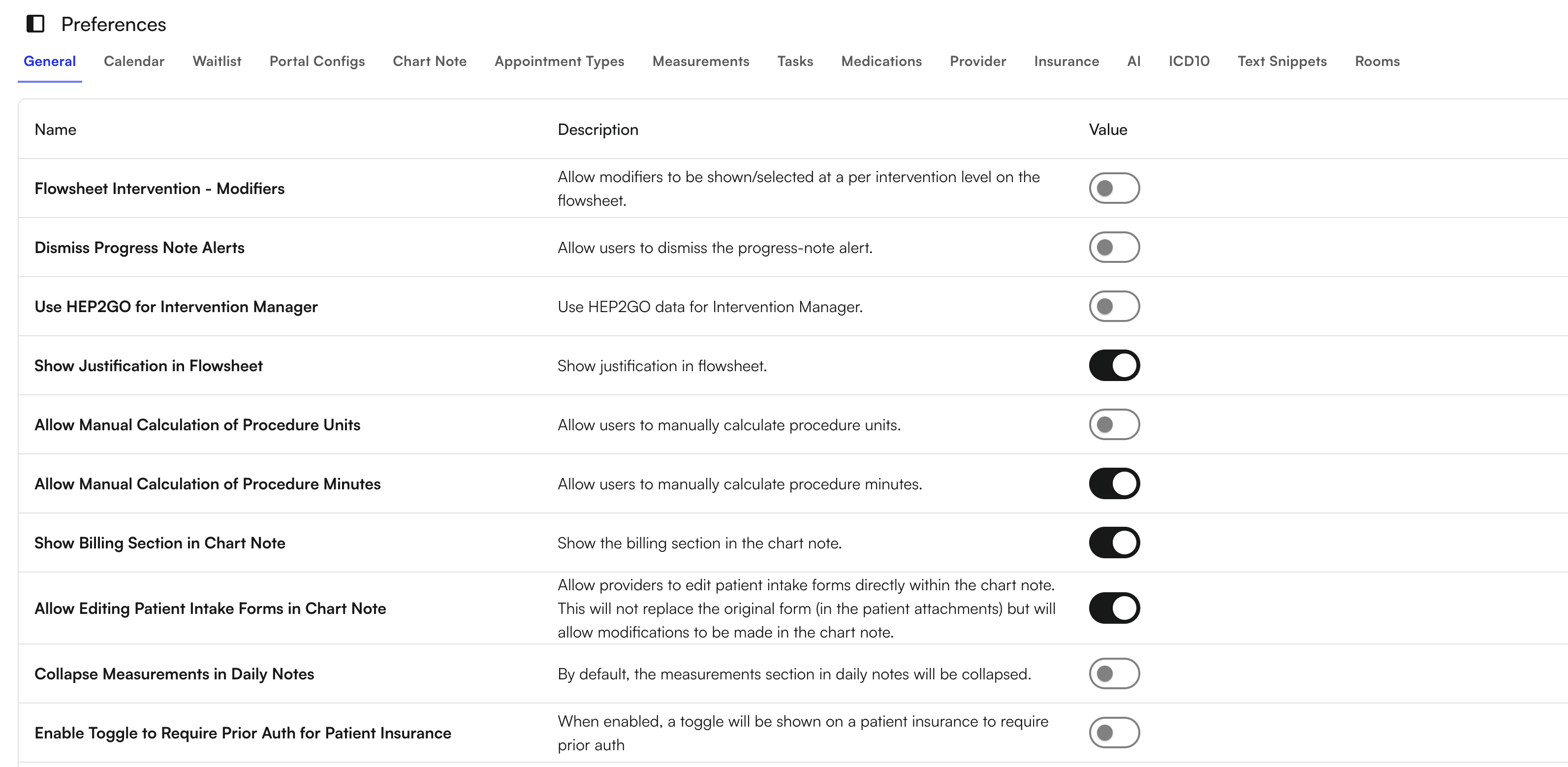
- Select options of showing modifiers, justifications, alerts, allow manual calculations, allowing editing by providers
- Specifically for “Dismiss Progress note Alerts”, this will allow users to dismiss any alerts related to Medicare or Workers Compensation on the Chart Note
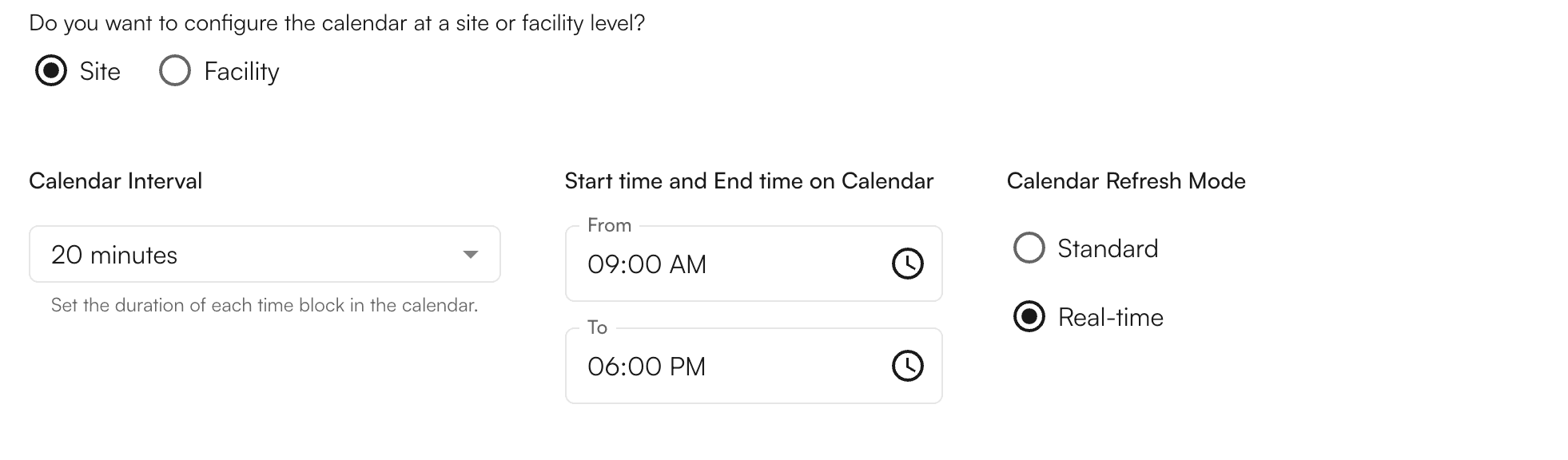
- Configure your calendar here with duration of each time block in the calendar and start and end time based on Site or facility
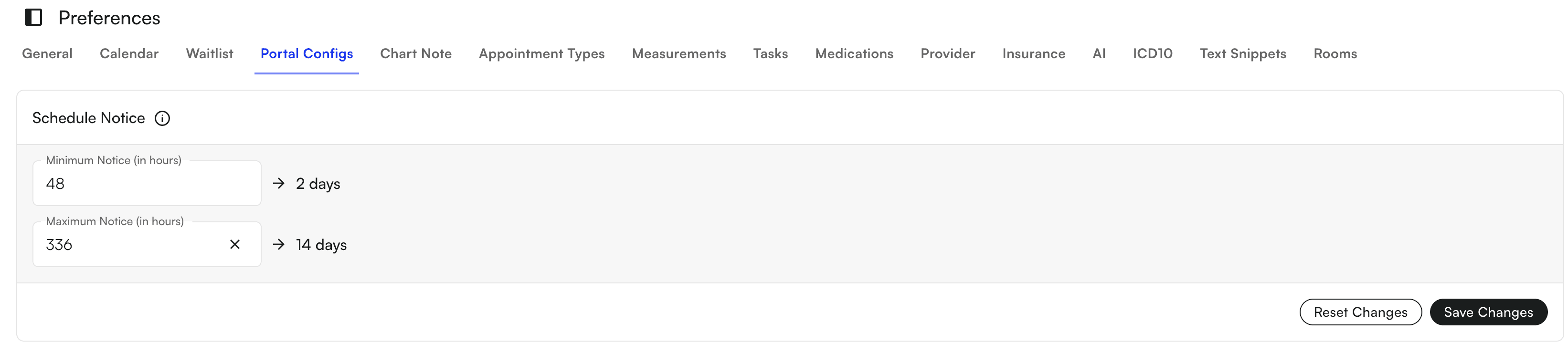
- Allow patients to join a waitlist or directly schedule Portal Configs
- Defines how far in advance patients can schedule appointments
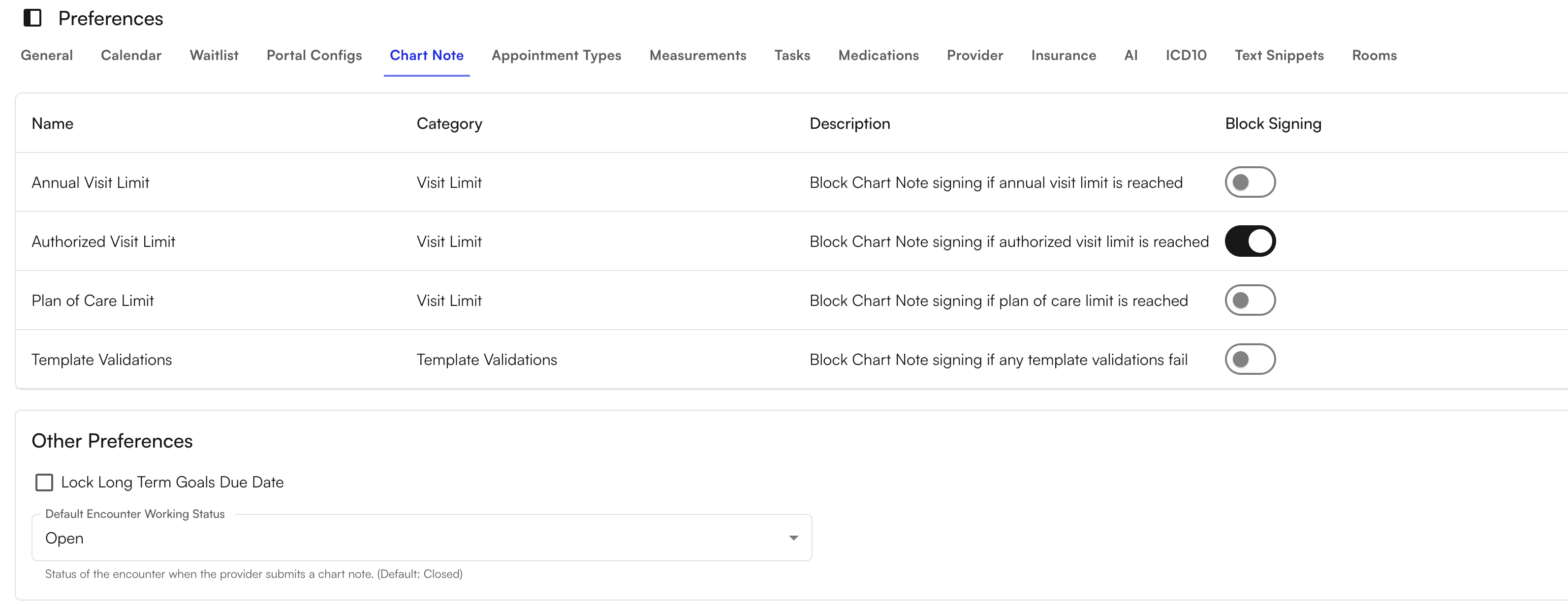
- Set up restrictions to chart note signing based on certain criteria such as Visit Limits or if template validations fail
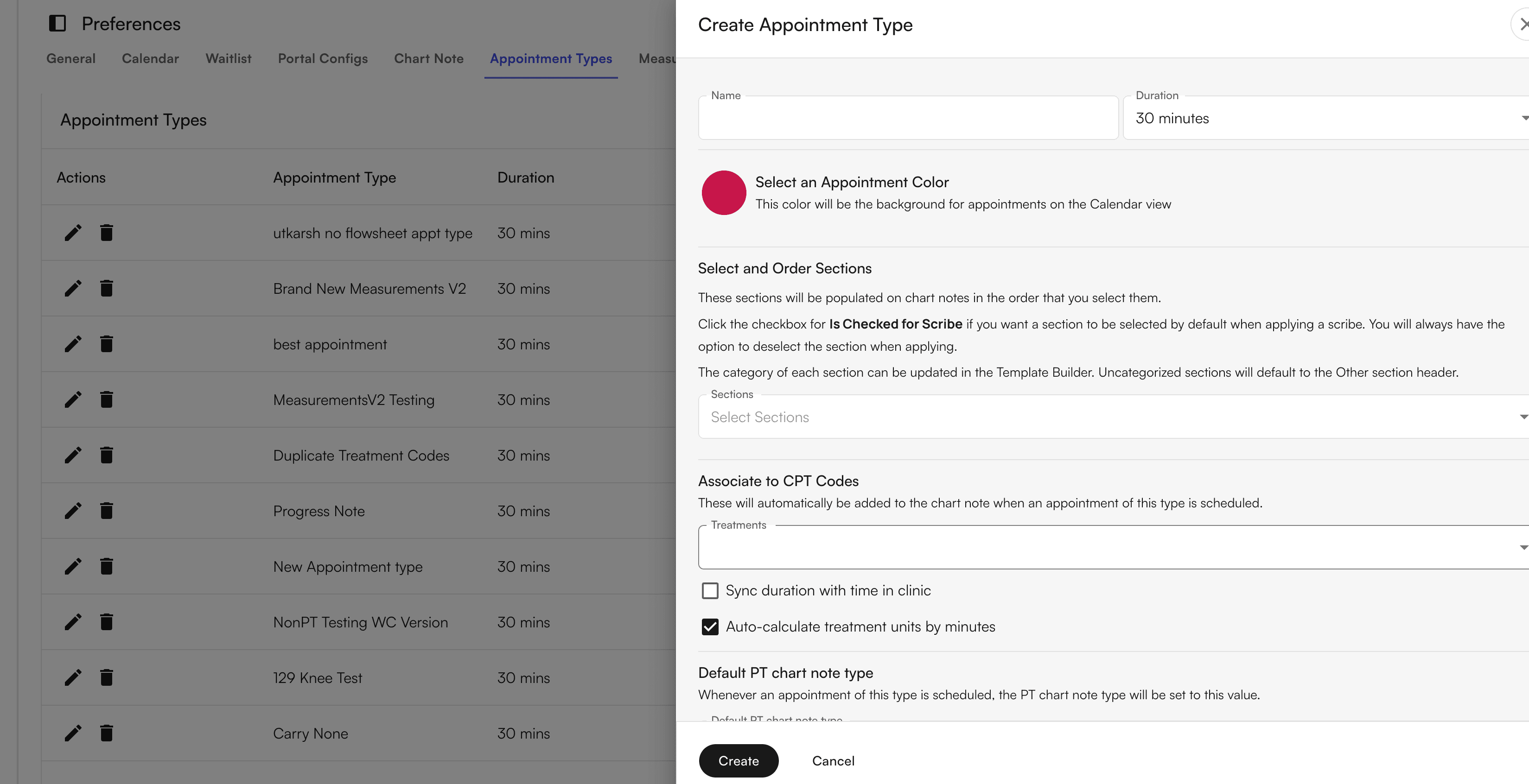
- Create different appointment types, duration, and coloring on your calendar
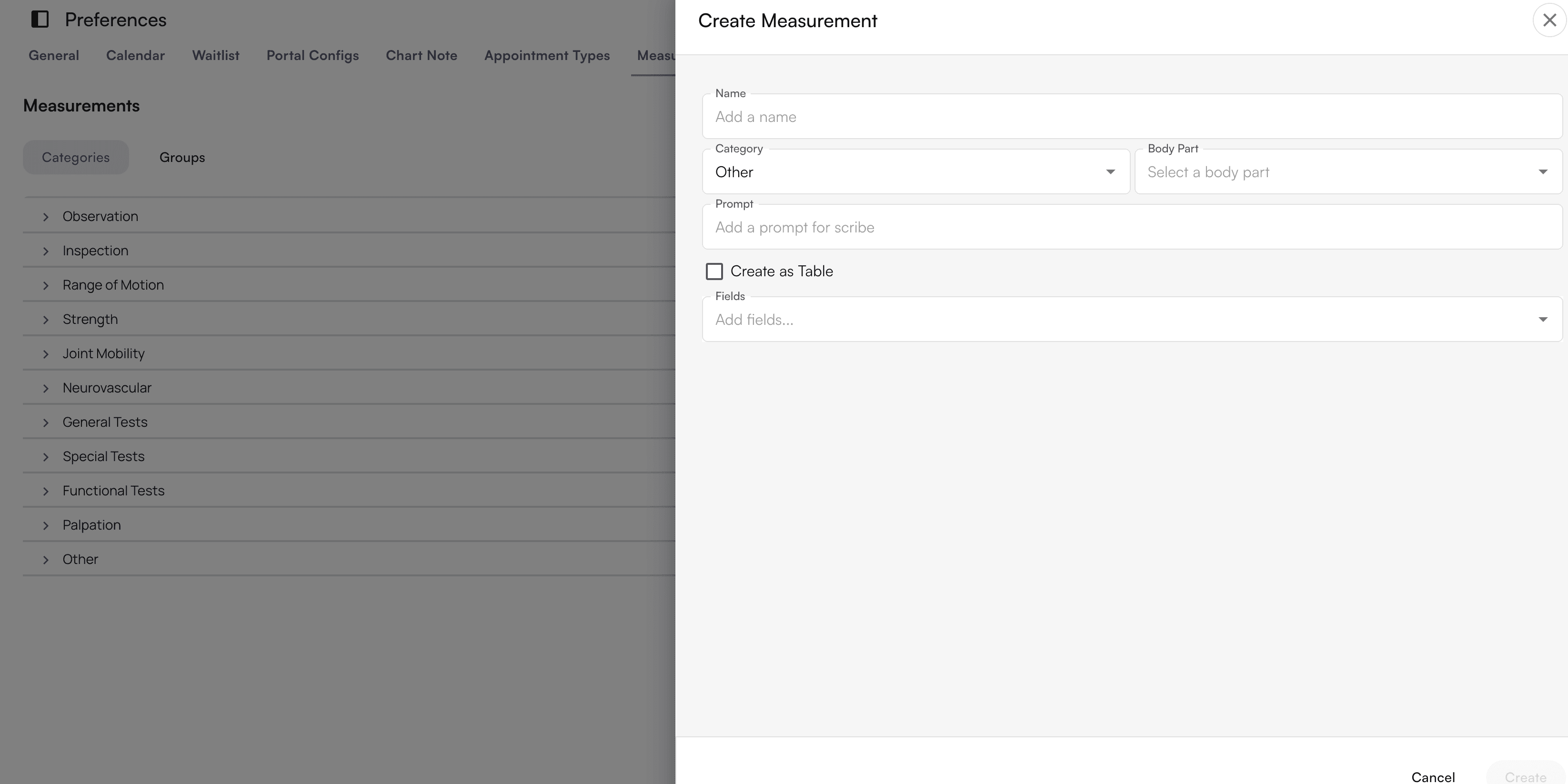
- Create measurements
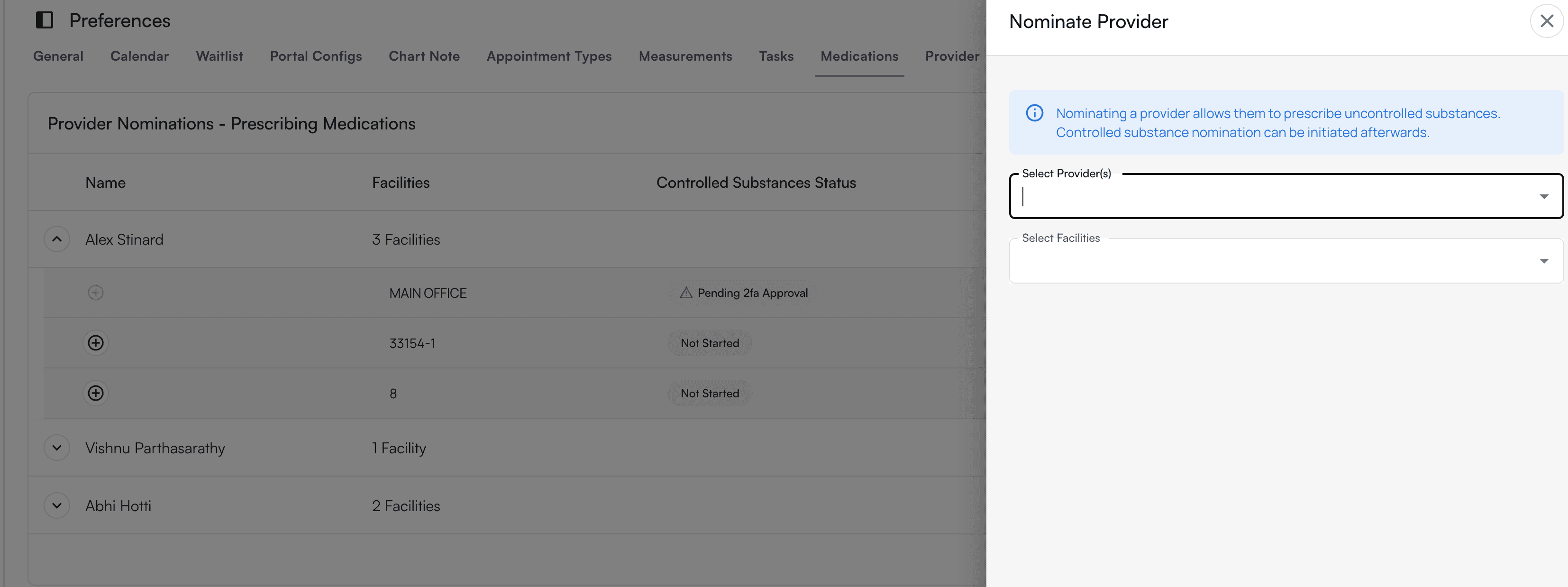
- Nominate providers to allow them to prescribe uncontrolled substances
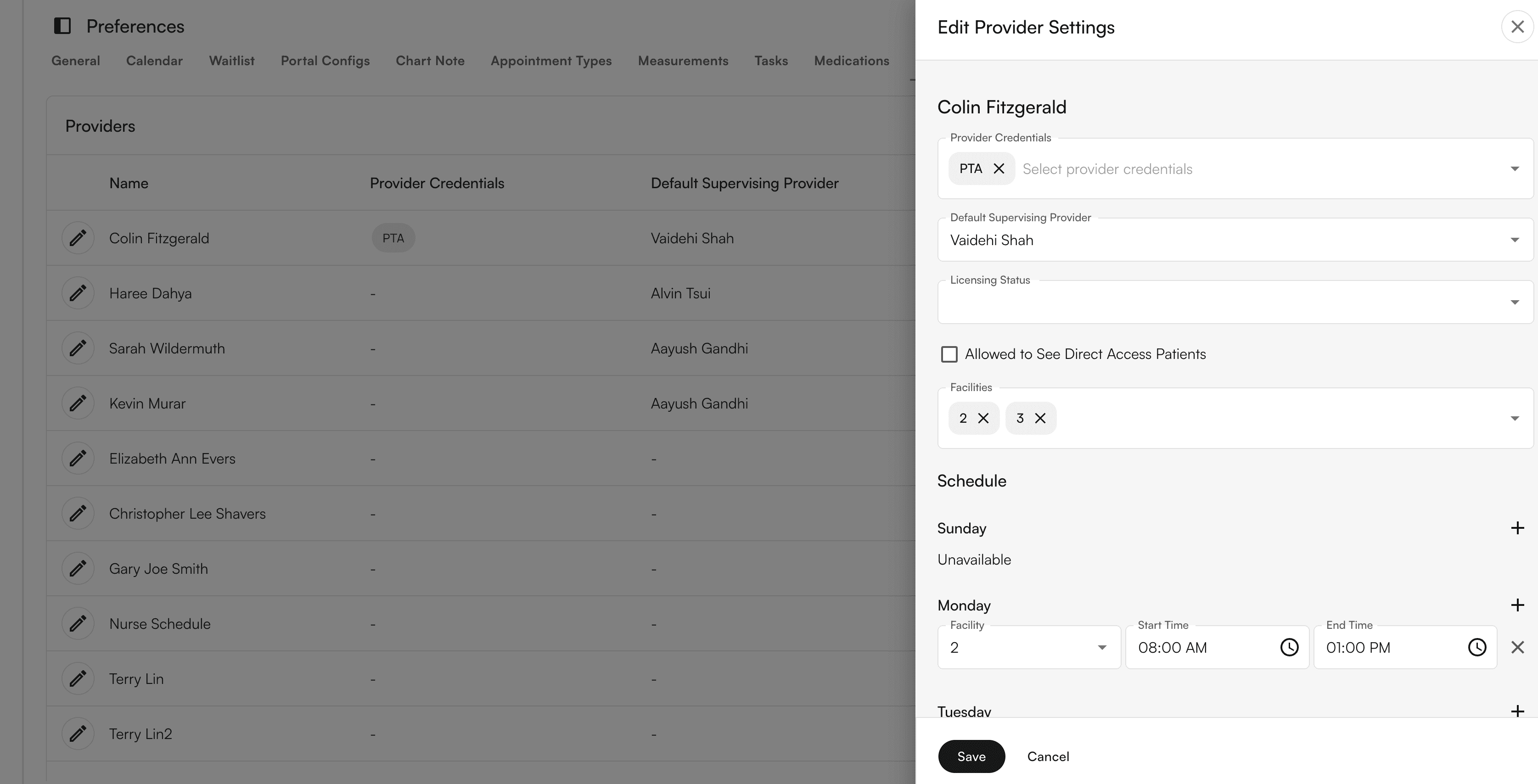
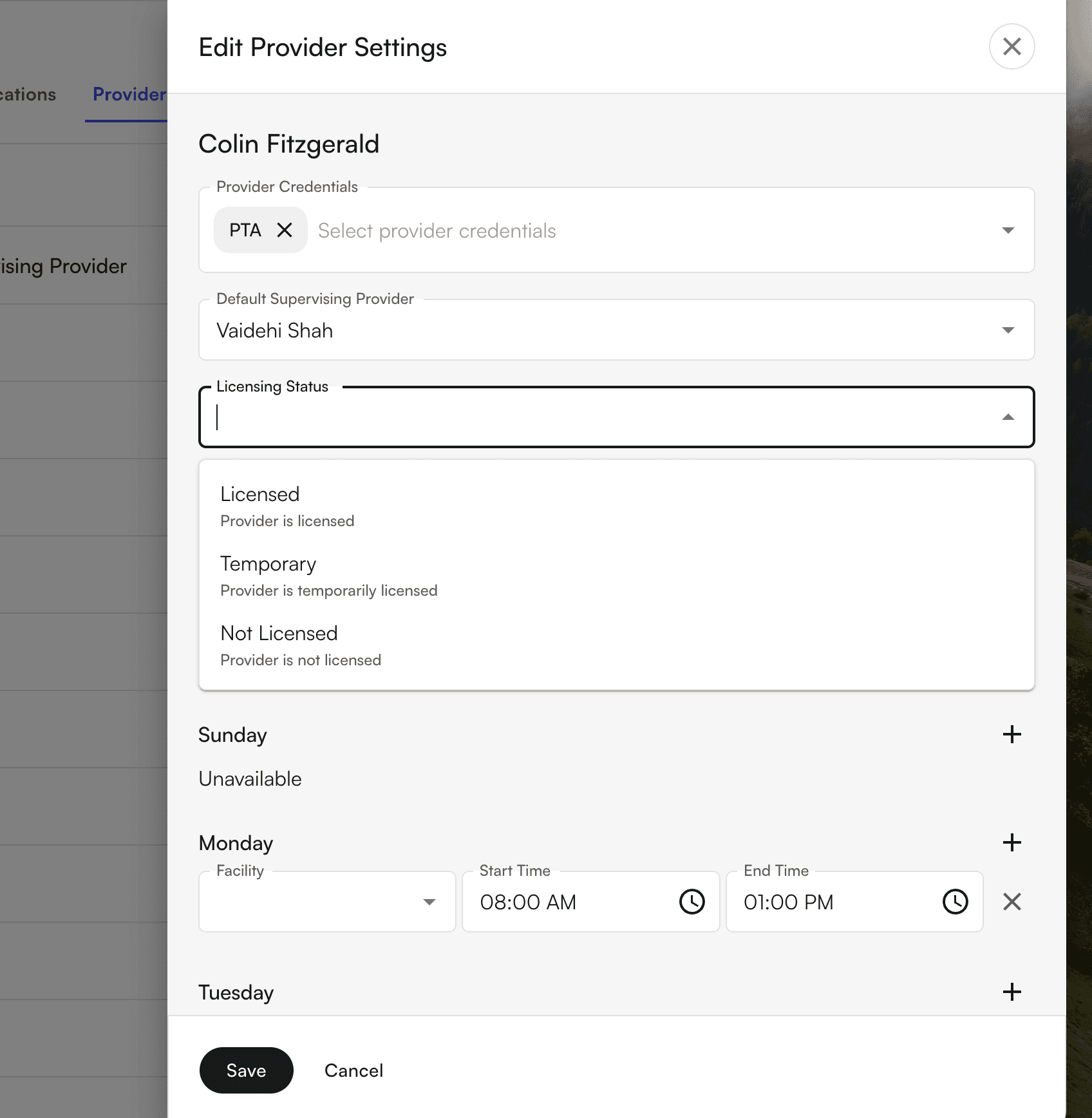
- Set up provider credentials and schedules
- Intelligent provider credential tracking with scheduling safeguards to prevent out-of-network bookings and automated note-signing logic to ensure required cosigners are added
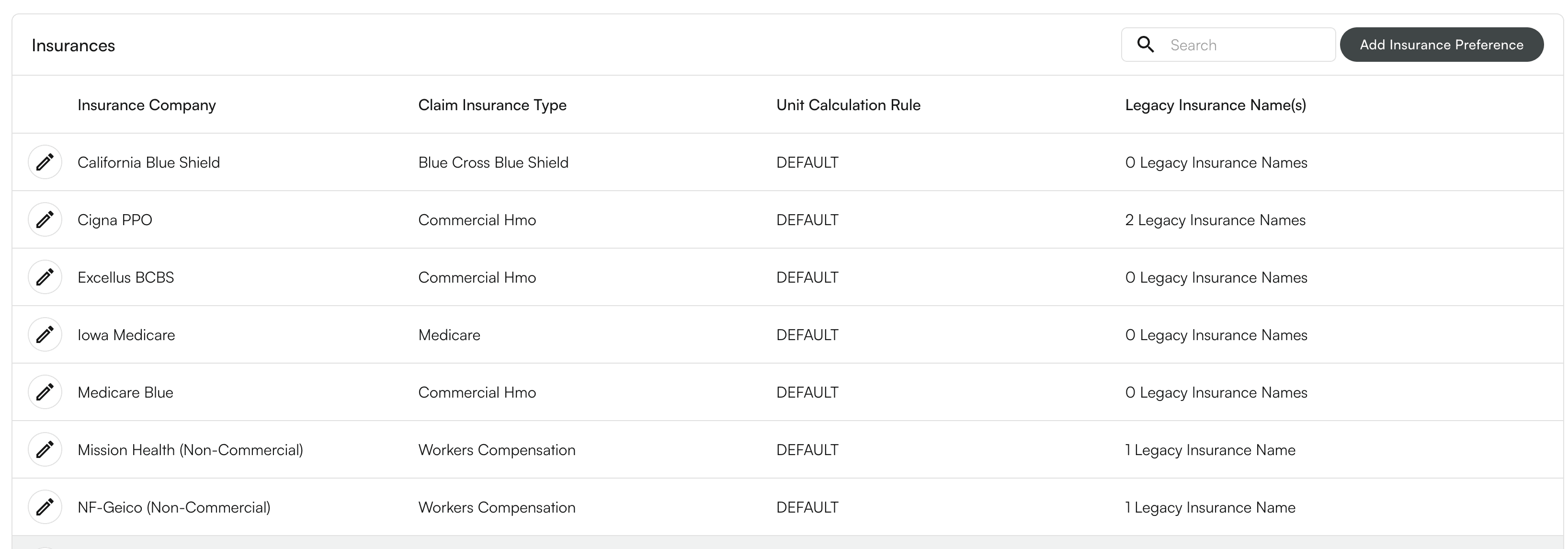
- Add Insurance covered
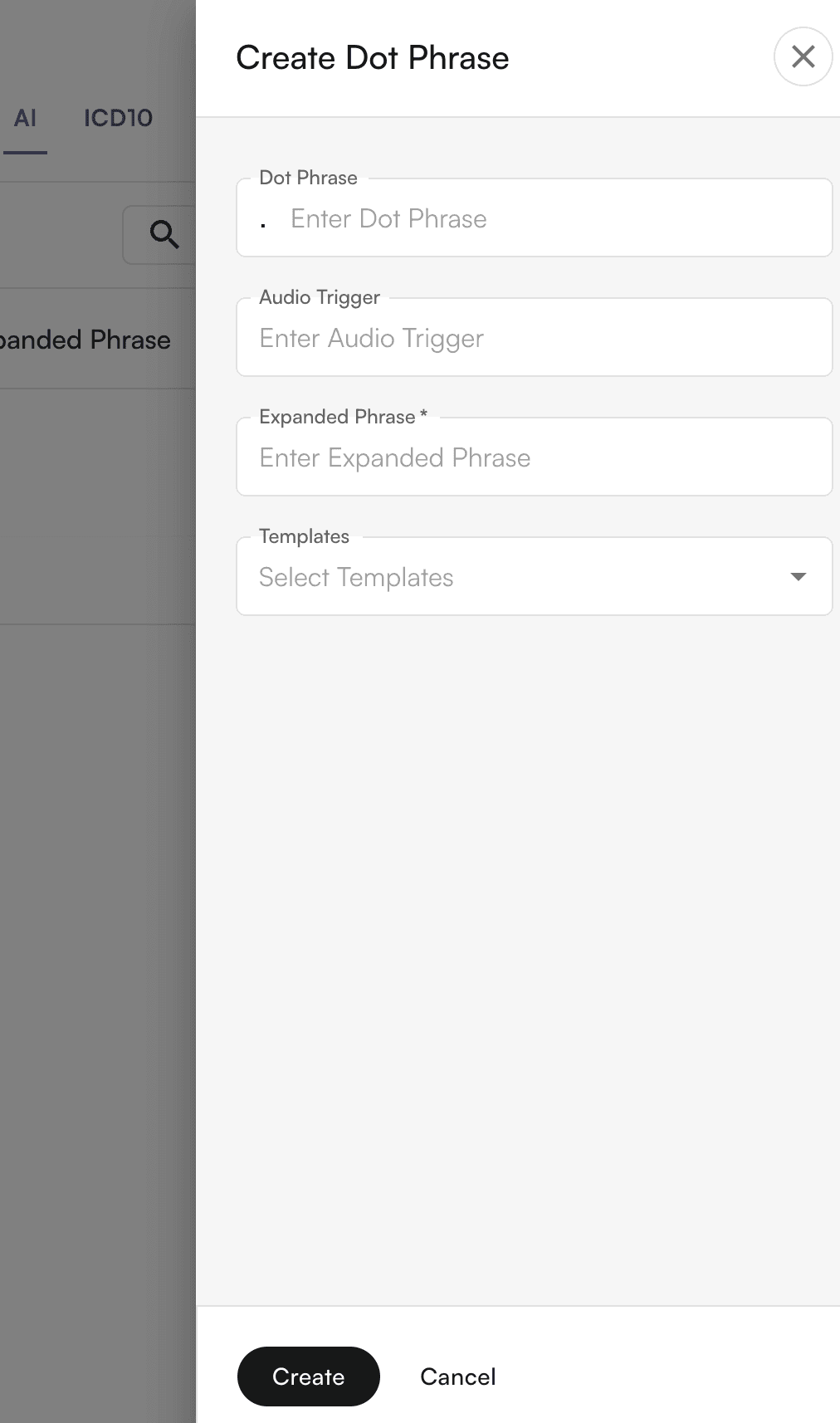
- Set up dot phrases when Air Scribe is documenting within the chart note
- Select the ICD10 groups you would like to use for your practice
- Text snippets serve as reusable templates or pre-written text blocks that providers can quickly insert into their documentation.
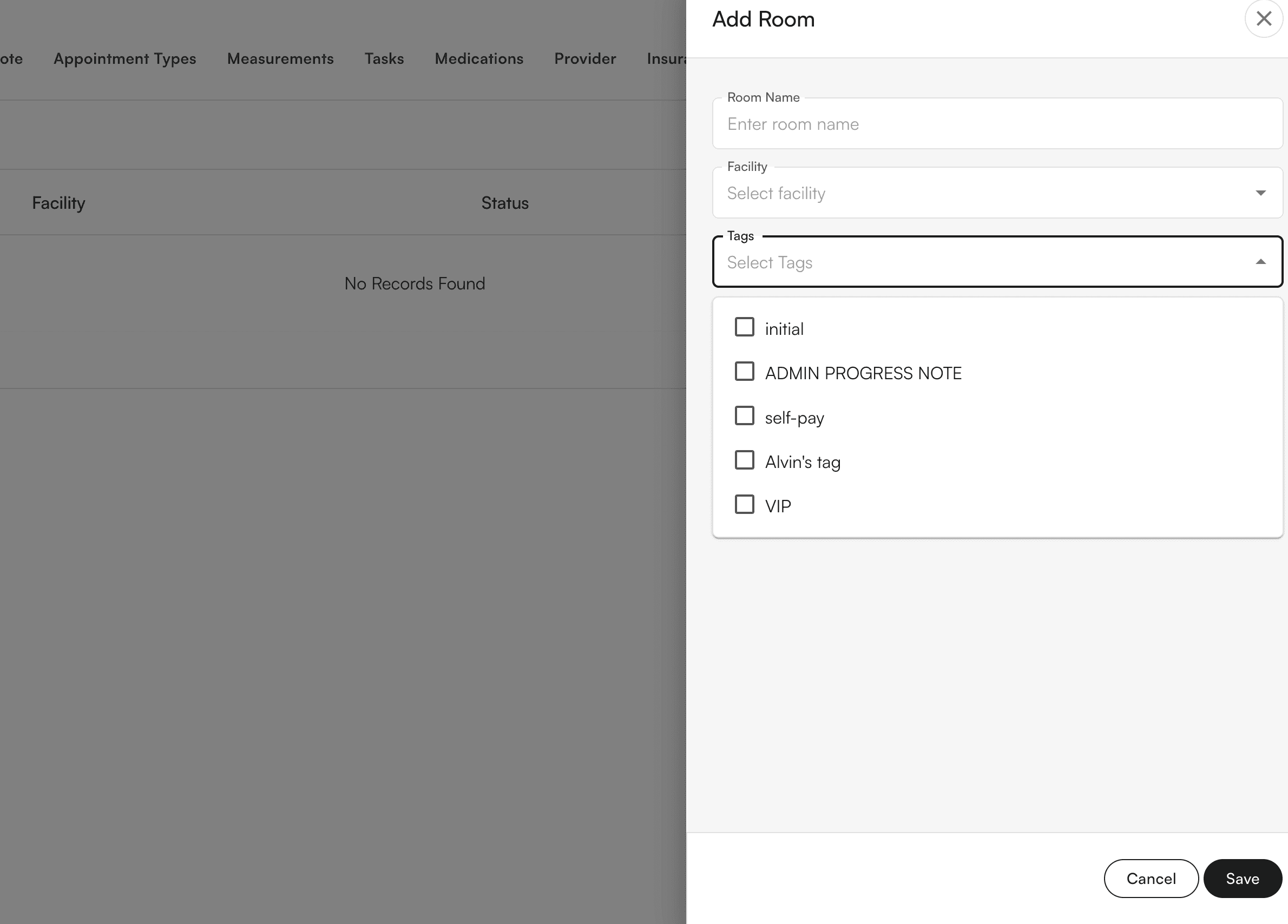
- Create dedicated spaces for different types of patient encounters or clinical activities
- Help separate different aspects of your practice (e.g., routine visits, urgent care, telehealth)