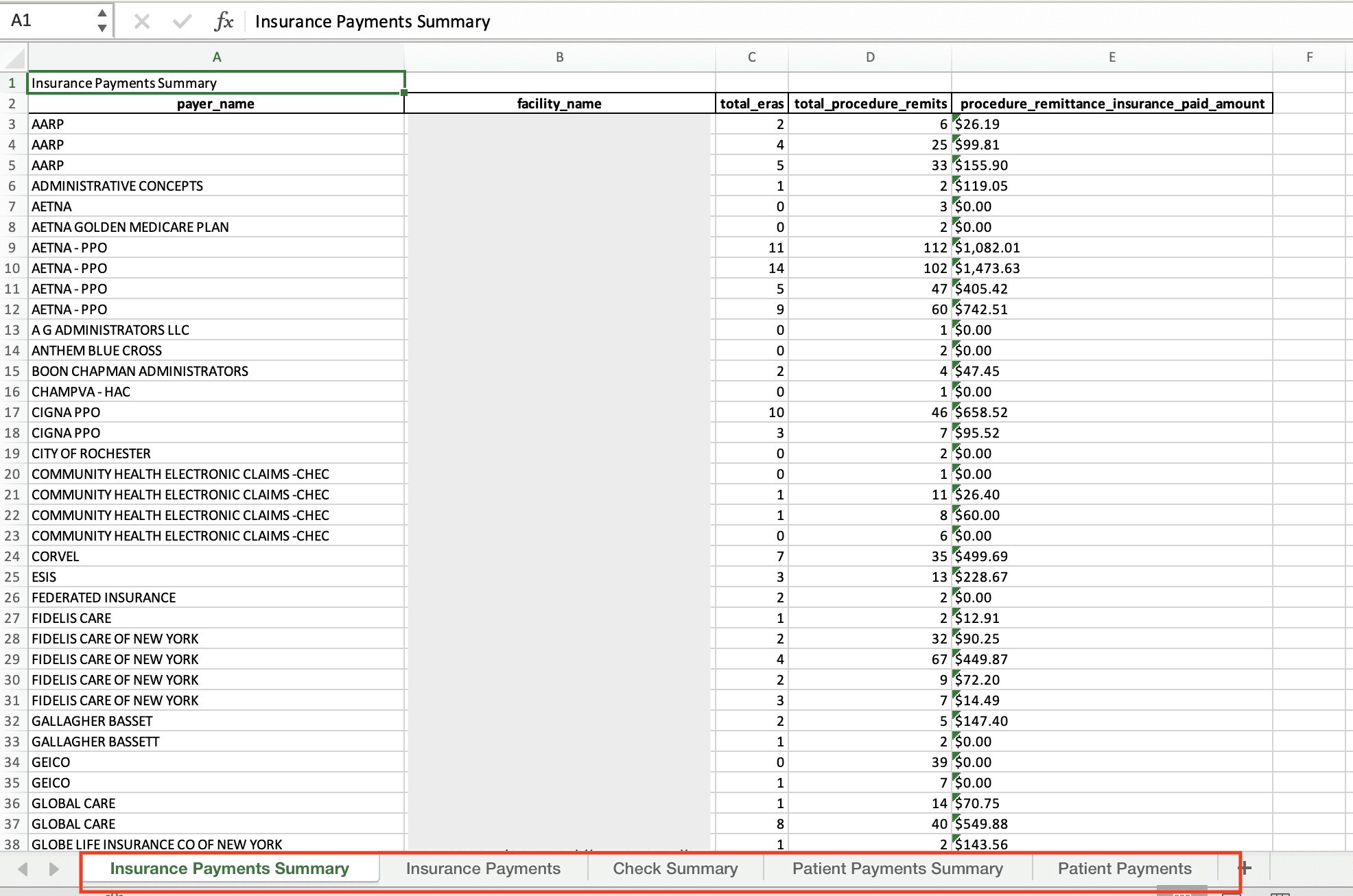
For a concise overview of the My Reports page, see My Reports. Looking at this from the Air tab? Review your Reports covers the same UI from the Air docs side.
At a Glance
This overview contains general information about the My Reports page in broad strokes. Administrators and Billing Managers should be able to run a report on most information available in Insights, presented in one comprehensive bundle. Then, that report can be easily downloaded as a CSV and edited in a spreadsheet at will. Detailed information about specific reports is available by clicking the? icon next to each report.
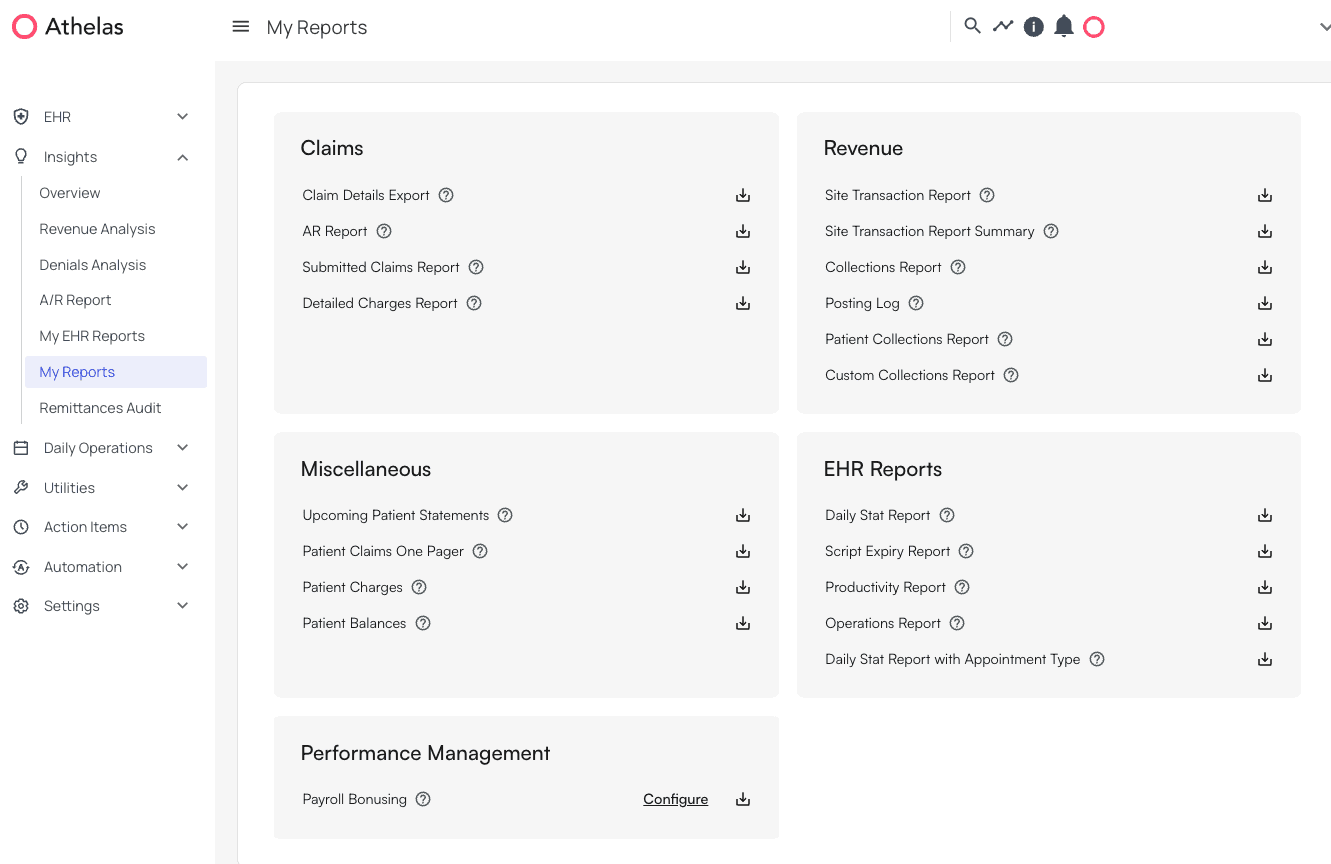
Categories of Reports
- Claims
- These are reports related to charges, submitted claims, and details for all encounters.
- Revenue
- Here you will find information about patient and insurance payments, including manual entry payments like cash or check.
- EHR Reports
- If your practice uses Air, those reports are available here. See EHR Reports for an overview and the full list of reports, Report Categories for every category and the reports it contains, and Building a Report for how to configure and run one. Pre-built download cards on My Reports (Daily Stat, Open Cases, Audit Log Export, etc.) are documented on My Reports.
- Miscellaneous
- Patient summary breakdown reports and upcoming patient statement reports are in this category.
- Performance Management
- Payroll bonus reports can be configured and downloaded here. See Measuring Performance for how to configure and run the Payroll Bonus Report.
Features
All reports can be downloaded as bundled Excel files, with informational? icon buttons providing details about each one.

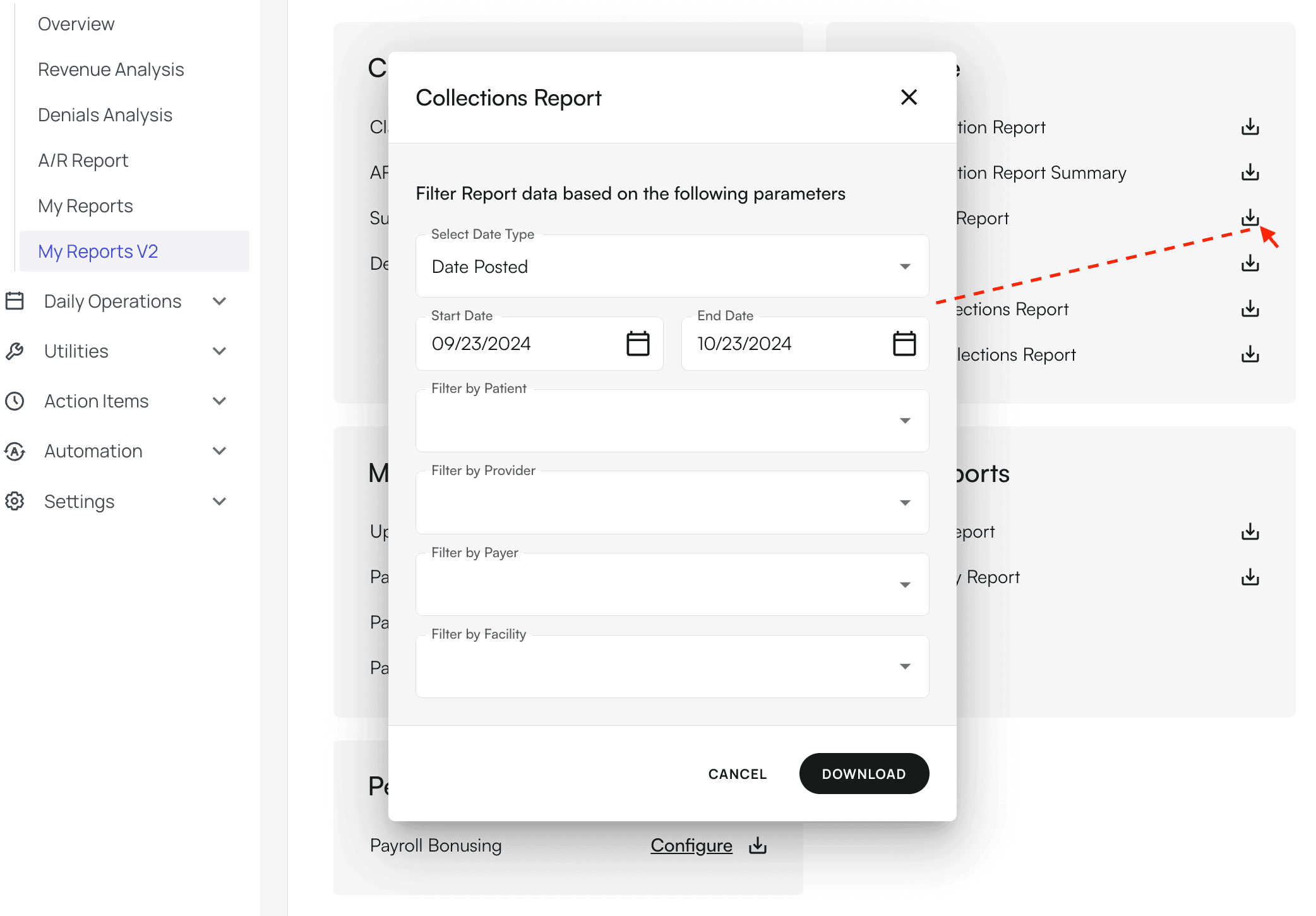
Example
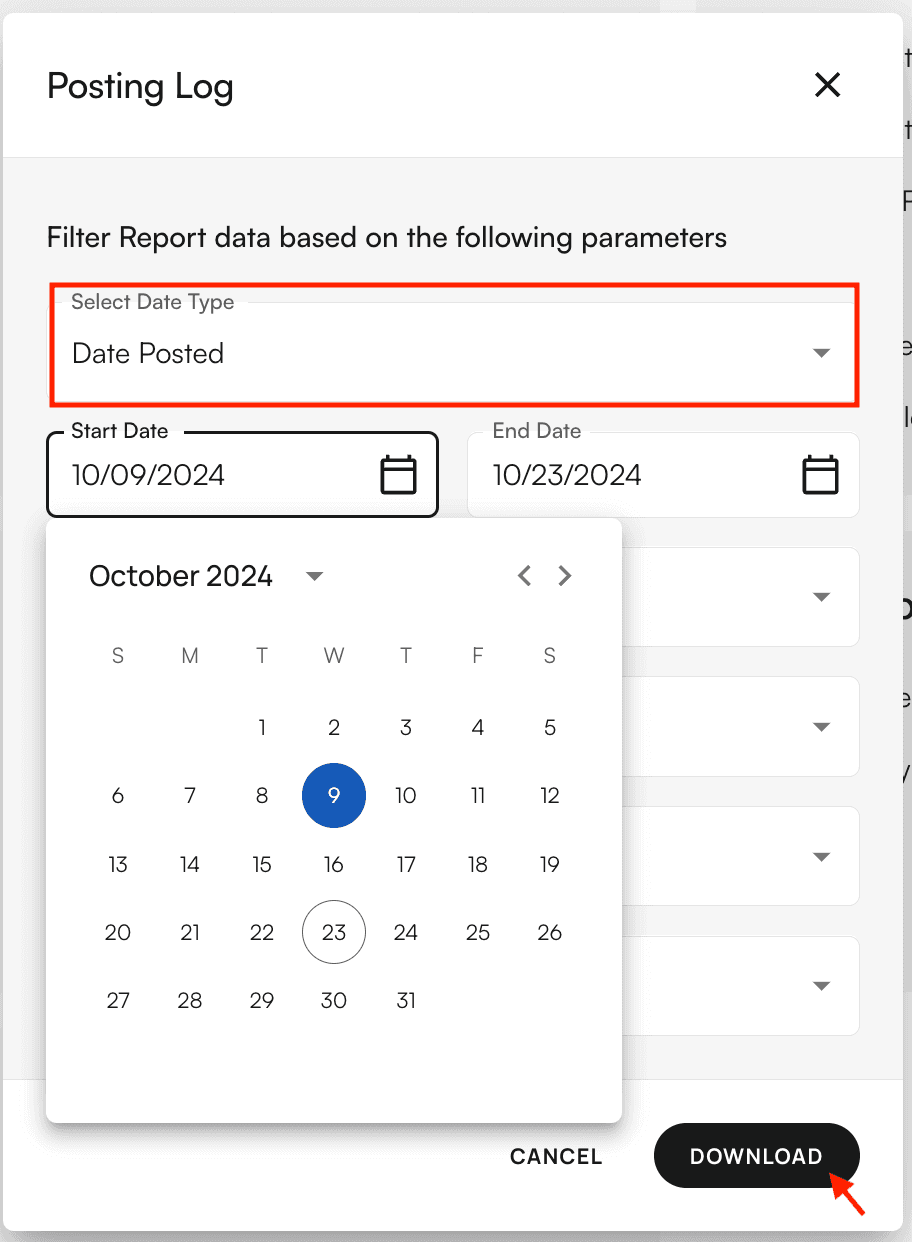
Let’s say we want to run a report to find all posted insurance payments for the past two weeks. First, click on the download icon forPosting Log.
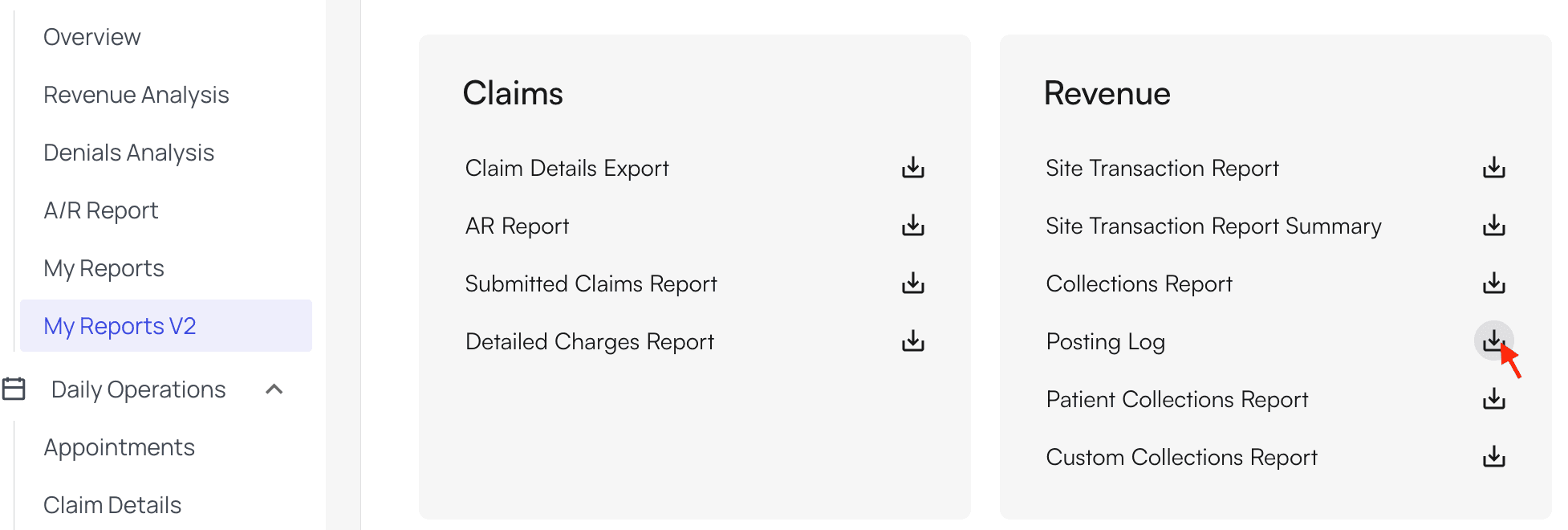
Date Posted and the Start and End Dates to the past two weeks. For this example, we’ll leave the rest of the fields blank.
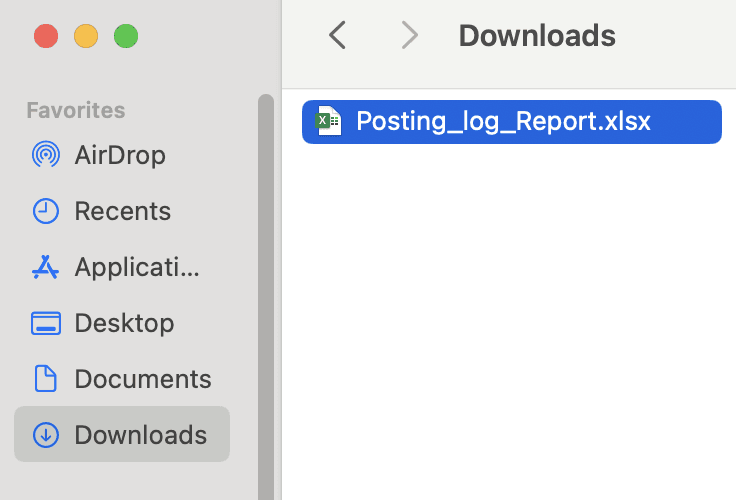
Then click Download.
- Insurance Payments Summary
- Insurance Payments
- Check Summary
- Patient Payments Summary
- Patient Payments