
Summary
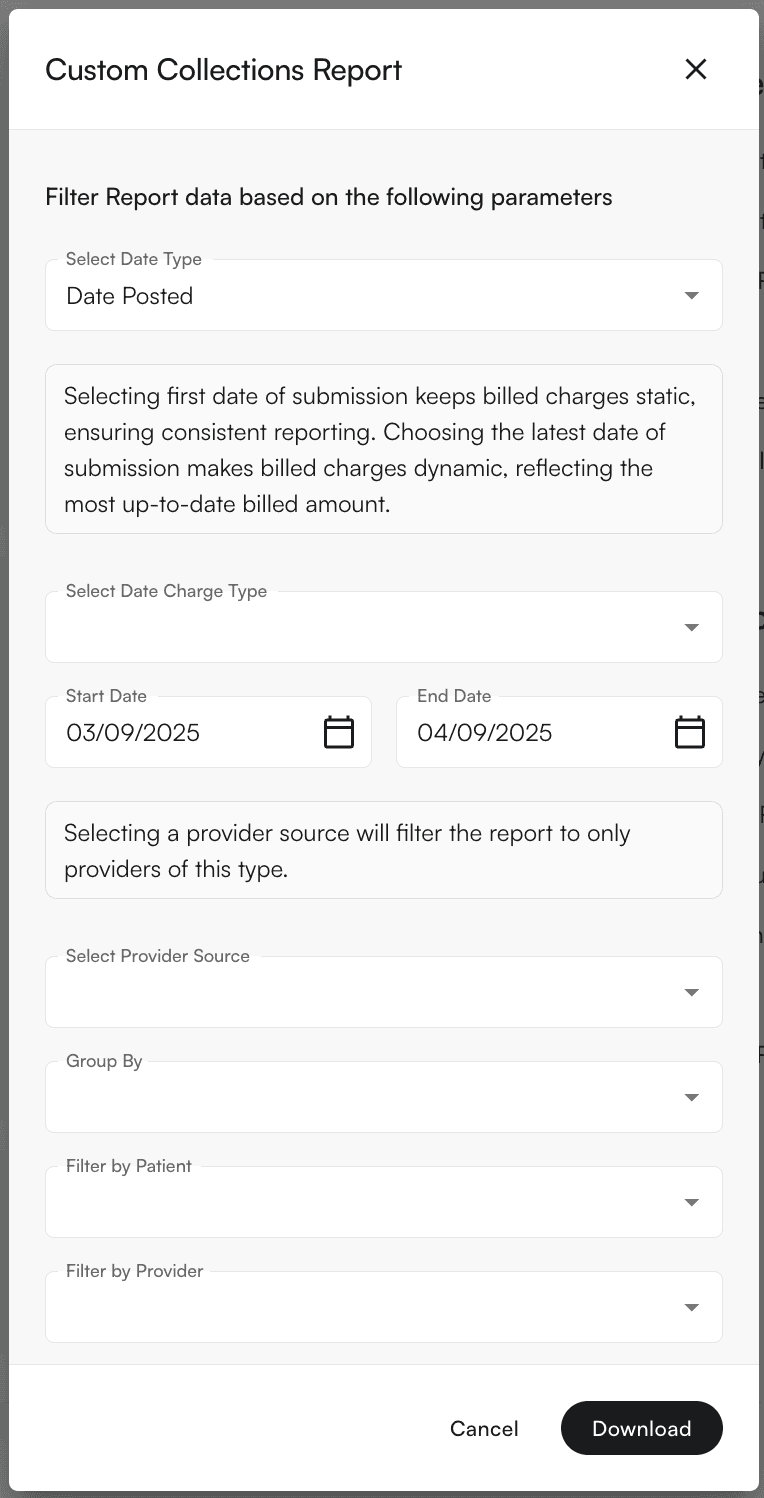
This is the catch-all category for creating collections reports with modifications specific to your practice. Set the filters on these reports to fit your organization’s needs. For a standard collections report, see this guide. For front-desk upfront (point-of-service) collection performance instead of posted payments, see the Upfront Collections Report.Main Feature
Use the ‘Group By’ menu to see the report grouped to your specifications. Options are Facility, Provider, CPT Code, Patient, Encounter ID, Day, and Month.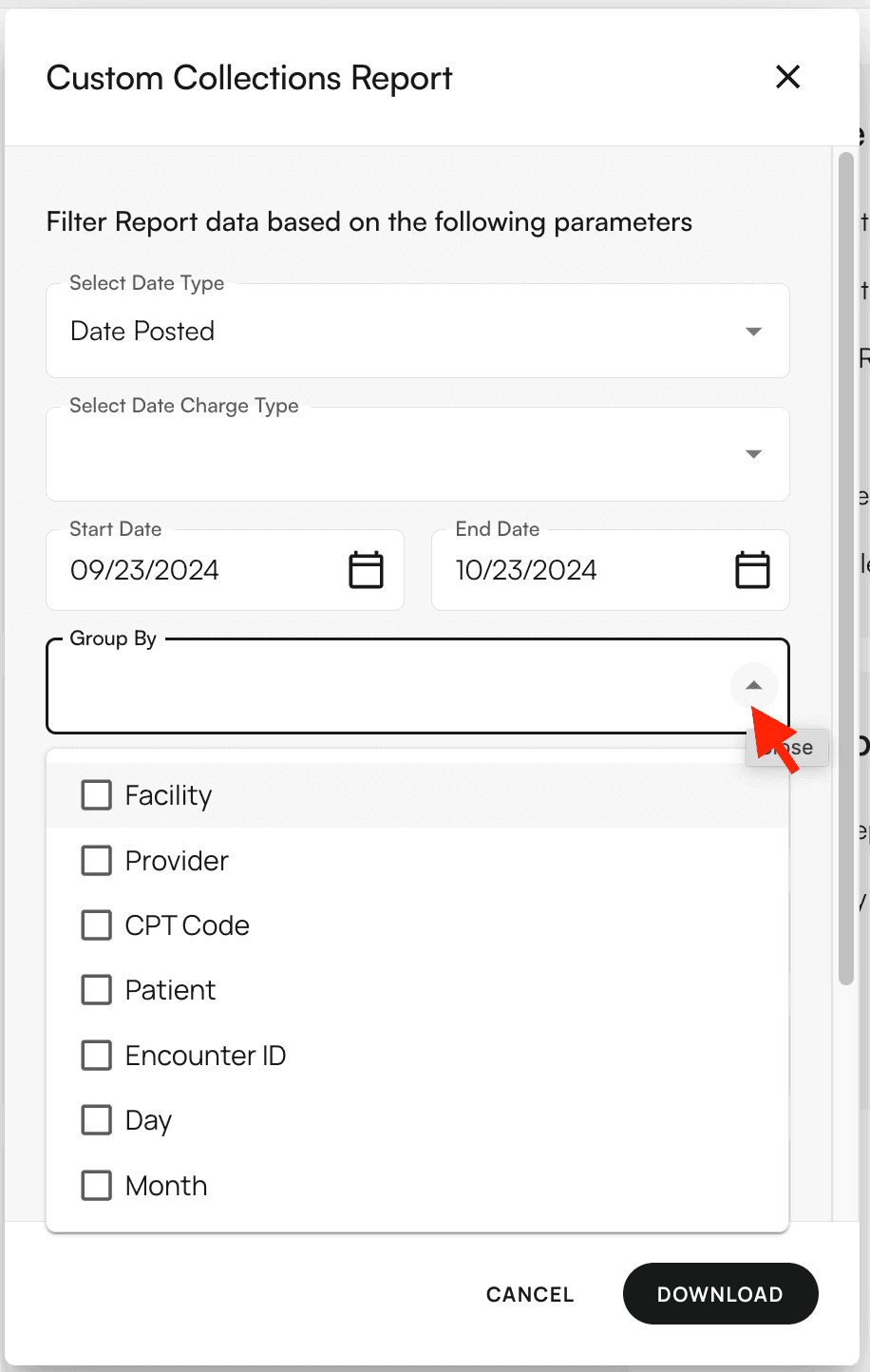
- Select Date Type sets the date basis for your date range: Date Posted (default), Check Date, or Date of Service.
- Select Date Charge Type sets how billed charges are dated: First Date of Submission (keeps billed charges static for consistent reporting) or Latest Date of Submission (dynamic, reflecting the most up-to-date billed amount).
Filters Supported
- Select Date Type (Date Posted, Check Date, Date of Service)
- Select Date Charge Type (First or Latest Date of Submission)
- Group By (Facility, Provider, CPT Code, Patient, Encounter ID, Day, Month)
- Provider Source (rendering provider, resource provider, appointment provider)
- Patients
- Providers
- Payers
- Facilities
- CPT Codes
- Place of Service Codes
- Include Credit Transactions toggle
- Report Format (CSV or XLSX)