At a Glance
Setting default rules for blocking PR is a powerful tool in Insights that will save your staff lots of time from needing to individually adjust PR after it’s been generated.Here’s How to Do It
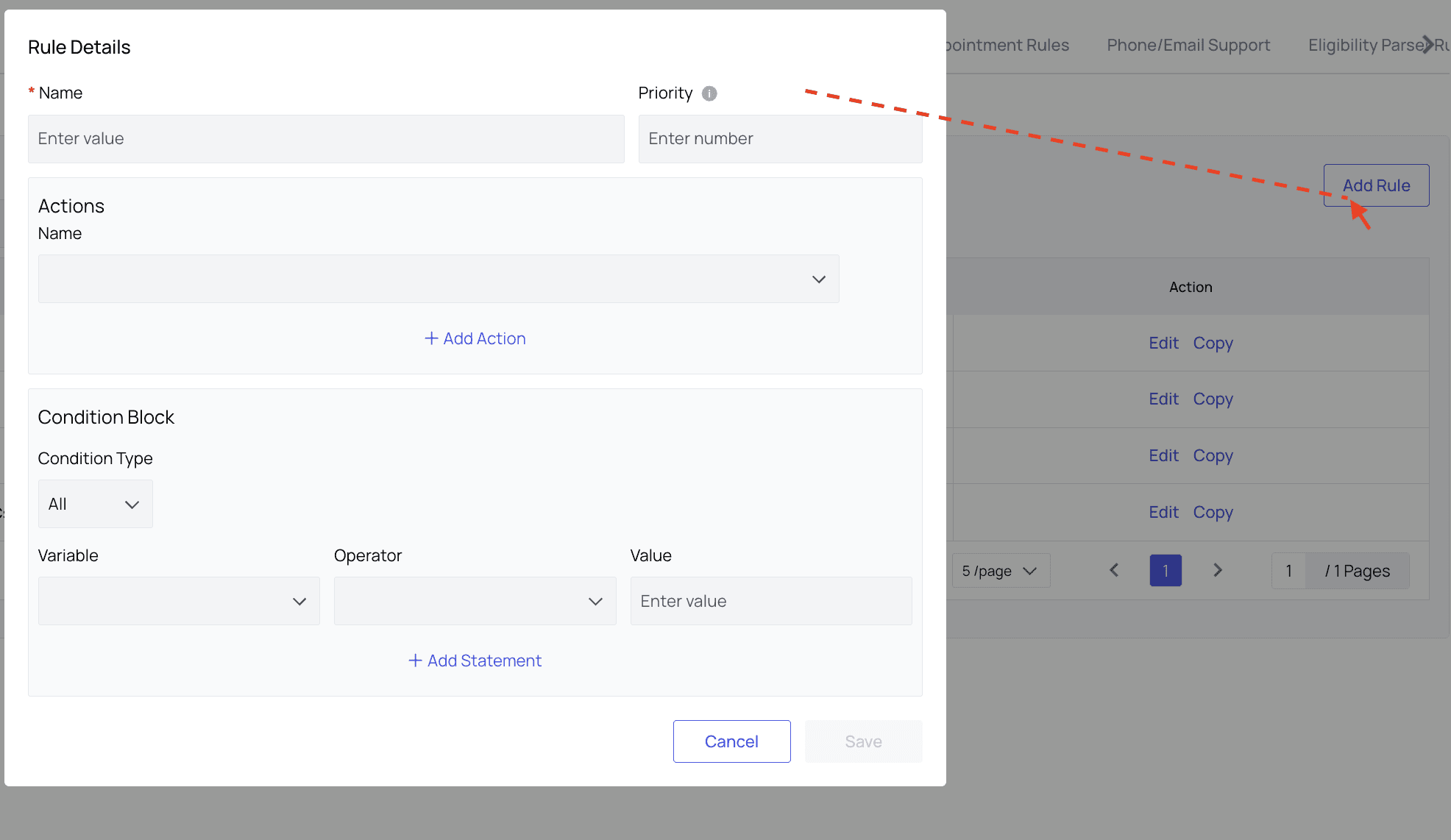
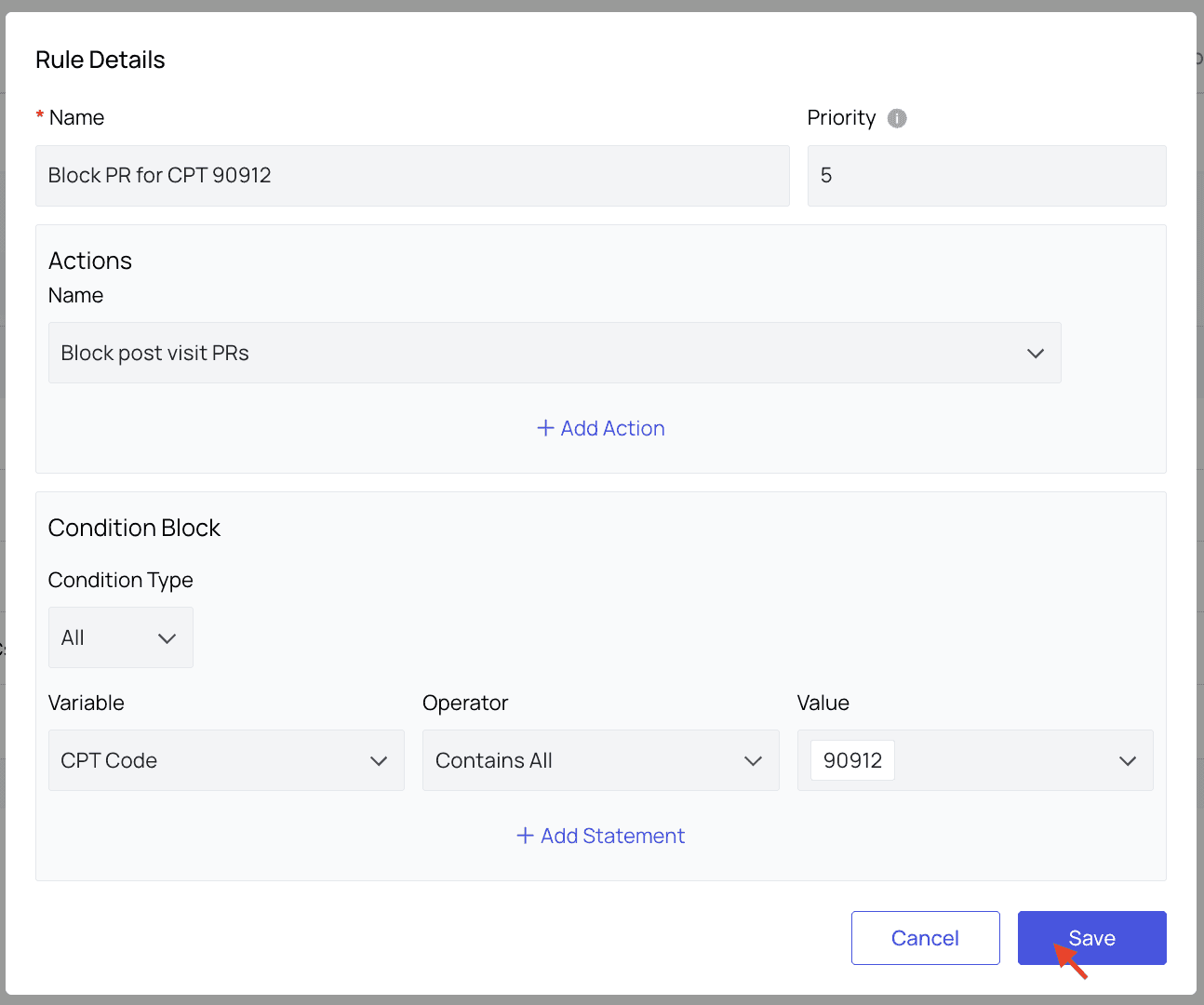
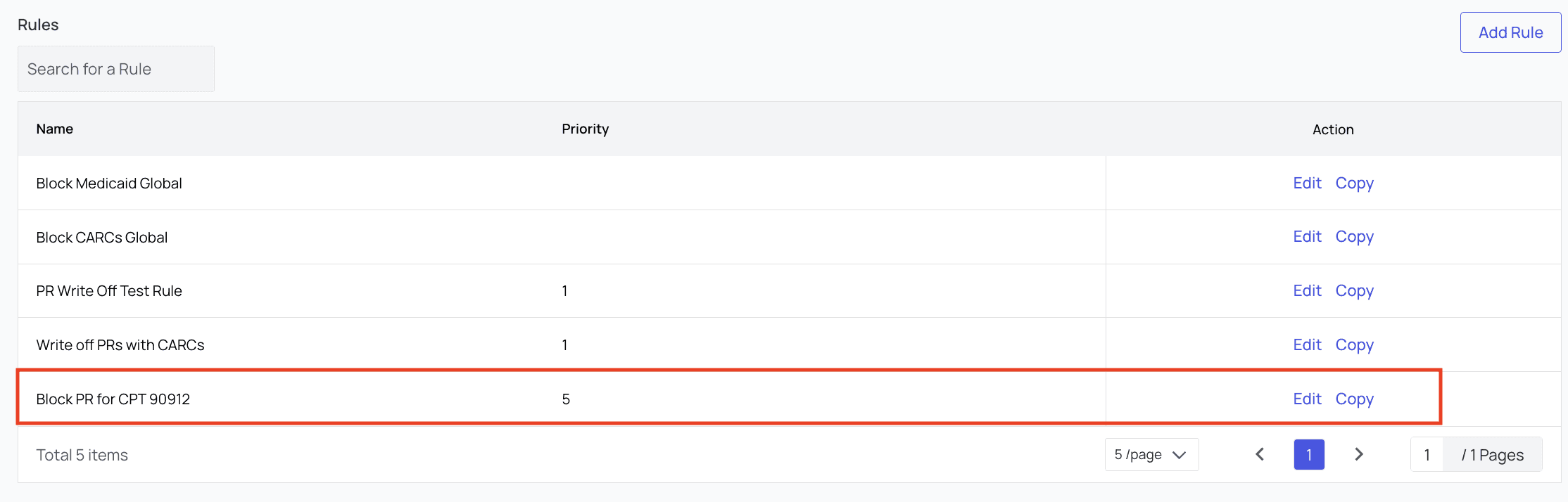
Go to the Blocked PR Rules tab in PR Settings. Here, you will see all existing rules listed. To edit these rules, or copy their settings to create a new rule, you can click the buttons in the Action column. For this example, we’ll click ‘Add Rule,’ and the new rule modal will appear.