
This is the field reference for the transaction report (the Aggregate Metrics, Processed Transactions, and Transactions by Charge sections). To generate the report, see Generate a Transaction Report; for the payment-method summary variant, see the Site Transaction Report Summary.
Summary
This report provides a detailed breakdown of your Stripe and recorded patient payments in three ways. It also includes write-offs.Aggregate Metrics
This section summarizes all categories of patient payments and aligns with the patient payments reflected in other revenue graphs.Processed Transactions
Each row represents an individual Stripe transaction. A single transaction may cover payments for multiple dates of service. Each transaction includes a “Payout ID” and an “Expected Deposit Date,” which can be used to match the transaction to a bank deposit.Transactions by Charge
Payments are grouped by the charges on a patient’s account. Each row shows a payment made toward a specific charge. A single payment in the Processed Transactions section may appear as multiple rows here, with the amount allocated to each charge.Notes
Here is an example of how the Transactions by Charge and Processed Transactions reports differ:- A payment of $50 is made towards two charges for dates of service 12/30 and 1/15.
- Transactions by Charge
- Processed Transactions
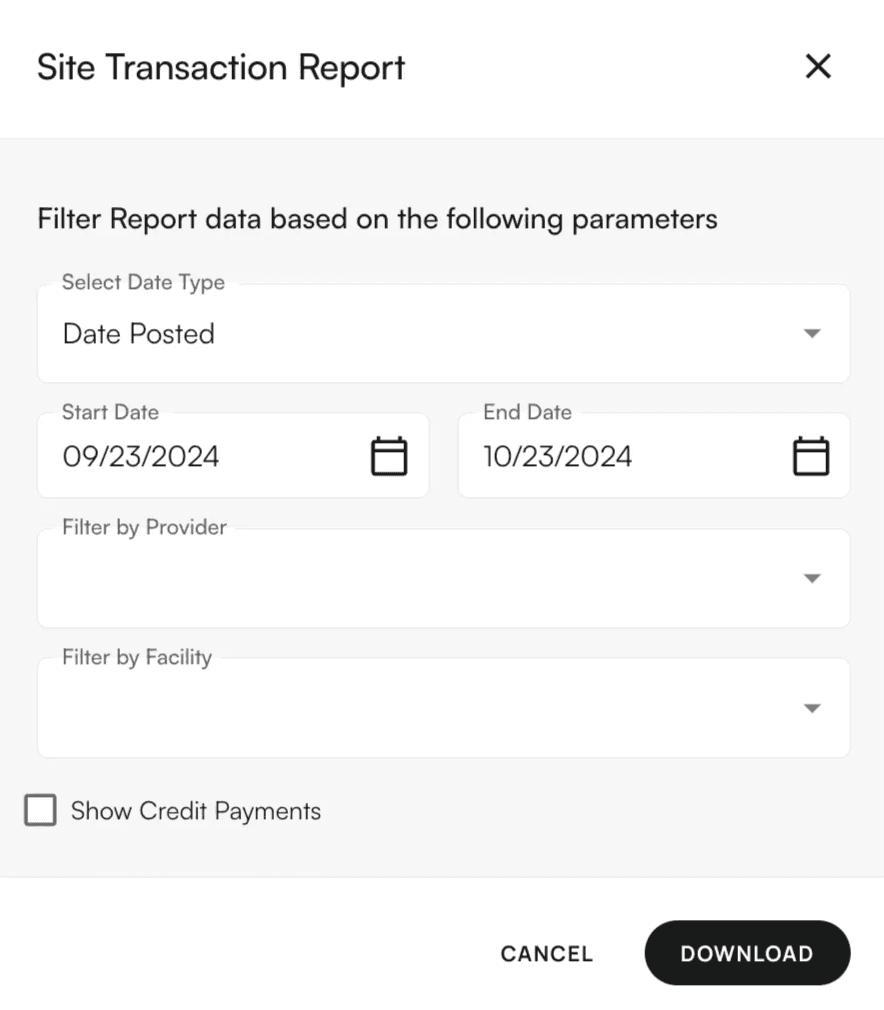
Filters Supported
- Date Type: Date Posted, Expected Deposit Date
- Rendering Providers
- Facilities
- Include Credit Transactions toggle
- Show Failed Payments toggle
Insurance Virtual Card Filters:
- Insurance
- Date range: Date posted
- If any other filter is passed, then we don’t show virtual card transactions.