

A provider record is not a login
A provider record and a team member are two different things, and adding one does not create the other:
A clinician who both signs in and bills needs both. You can create the pair in either order:
- Add the provider record first, then link it when you invite the team member — the Provider Credentials step of the New Member form offers Link to existing provider.
- Or create both at once from that same step, with Create new provider.
Add a provider
To add a provider record:- Go to Settings → My Practice and open the Providers tab.
- On the Active tab, click + Add New Provider in the top right.
- Fill out the Add Provider form. Every field carries a red asterisk except PTAN.
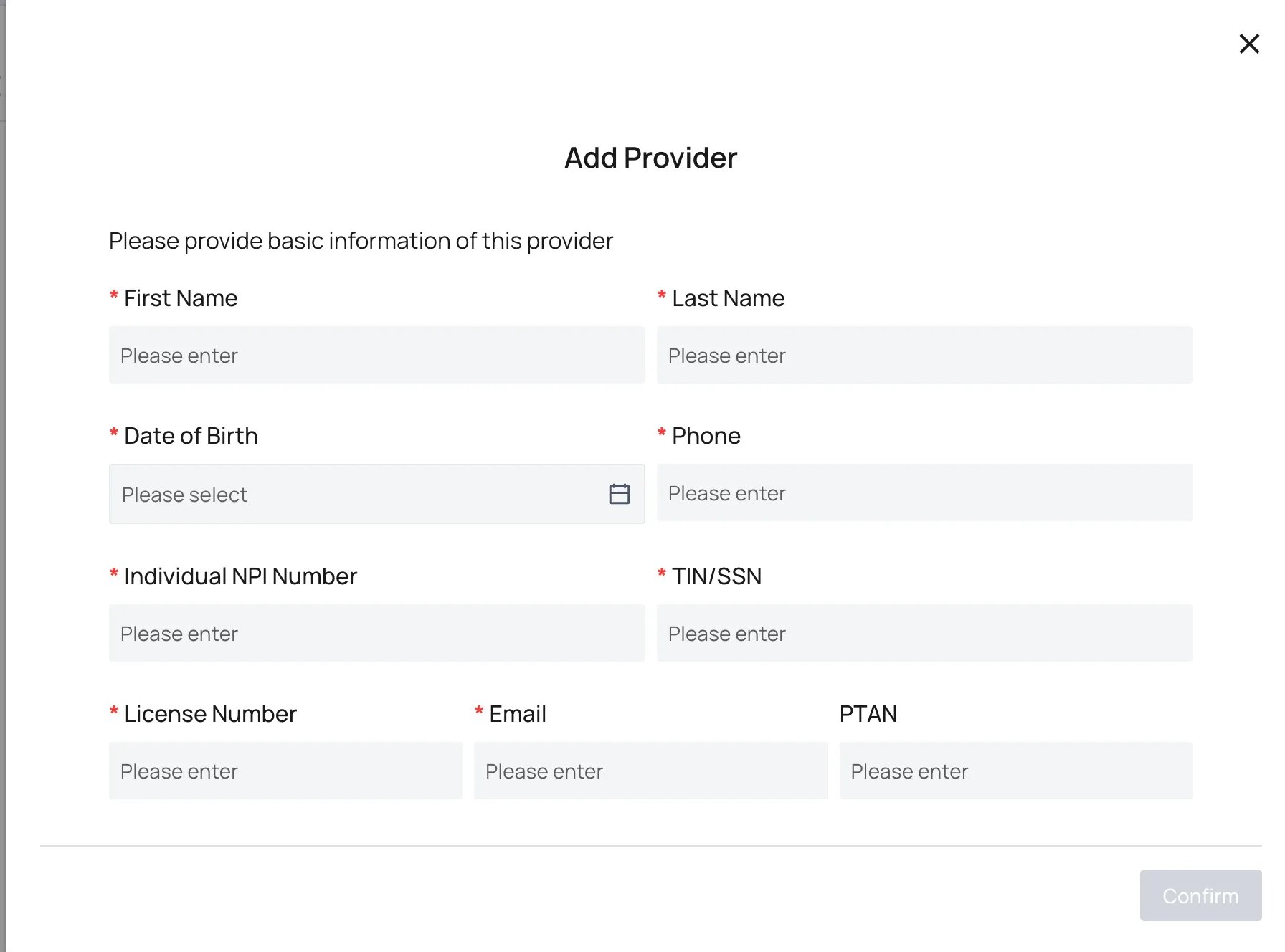
- Click Confirm.
What each field is for
Find a provider
Use Search Keyword above the list to find a provider by name. The Active and Inactive tabs split the list, so a provider you cannot find under Active is worth checking under Inactive before you add a second record for the same clinician.Things to know
- One record per clinician. A duplicate record splits that clinician’s claims and reporting across two identities.
- Credentialing is separate. The record holds the identifiers; payer enrollment and credentialing status are tracked in Provider Credentials.
- Calendar and signature settings are separate too. Availability, scheduling, and signature preferences live in Provider Settings.
- Controlled substances need one more step. Prescribing them requires the registration covered in Register Providers for Rx.
FAQ
Does adding a provider give them a login?
Does adding a provider give them a login?
No. A provider record is a billing identity, not a user account. To let that clinician sign in, invite them as a team member and link the record at the Provider Credentials step. See User Management.
Which NPI goes in the Individual NPI Number field?
Which NPI goes in the Individual NPI Number field?
The clinician’s own individual NPI. Your organization’s group NPI belongs on the practice record, not here.
What if the clinician has no PTAN?
What if the clinician has no PTAN?
Leave PTAN blank. It is the only field on the form that is not required.
I cannot find a provider I know we added. Where else should I look?
I cannot find a provider I know we added. Where else should I look?
Check the Inactive tab. Adding a second record for the same clinician splits their claims history, so confirm the record is genuinely missing first.
Questions about a provider record? Reach out to your account team or support@getathelas.com.