
Automatic check-in with Athelas AI
✨Smart Tip: Go to Athelas AI → Enter your prompt → Athelas AI will check in the patient and open their chart note and/or patient details automatically. You can also use Voice Mode.
Manual check-in
Open the Calendar → Click on the desired Appointment → Select Check-in for the patient on the Tooltip.You can also update the appointment status to Completed, No Show, Canceled, or Archived.Note: You can also “uncheck-in” the patient if checked-in by mistake.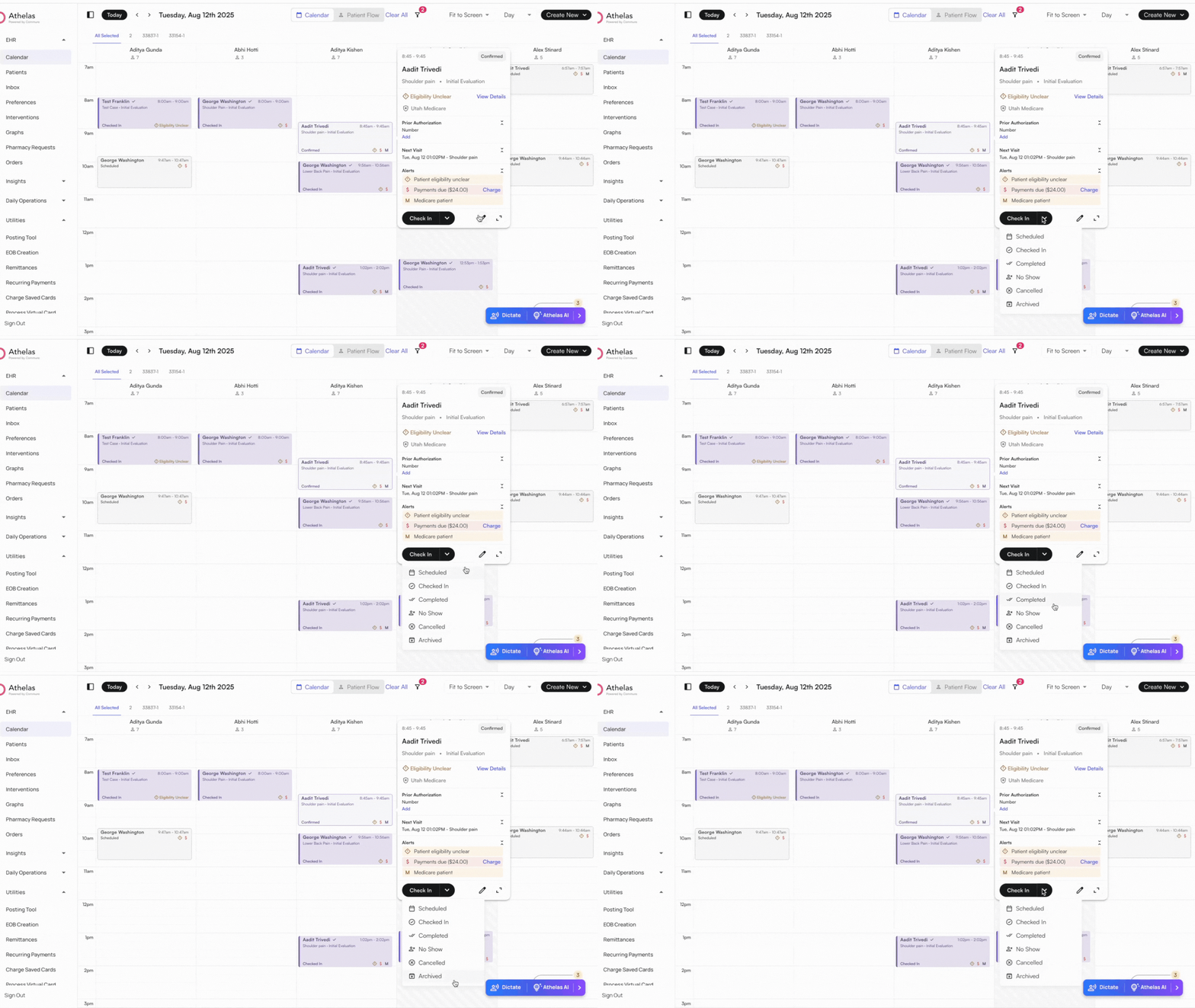
Self-service check-in on the kiosk
Patients can also check themselves in on a lobby tablet, confirming their details and insurance, completing outstanding intake forms, and paying what they owe before they sit down. See Check-in Patient with Kiosk for setup and the full patient workflow.