
Setting up branding
To access the Branding Engine settings, navigate to My Practice in the side panel, then to the Marketing tab.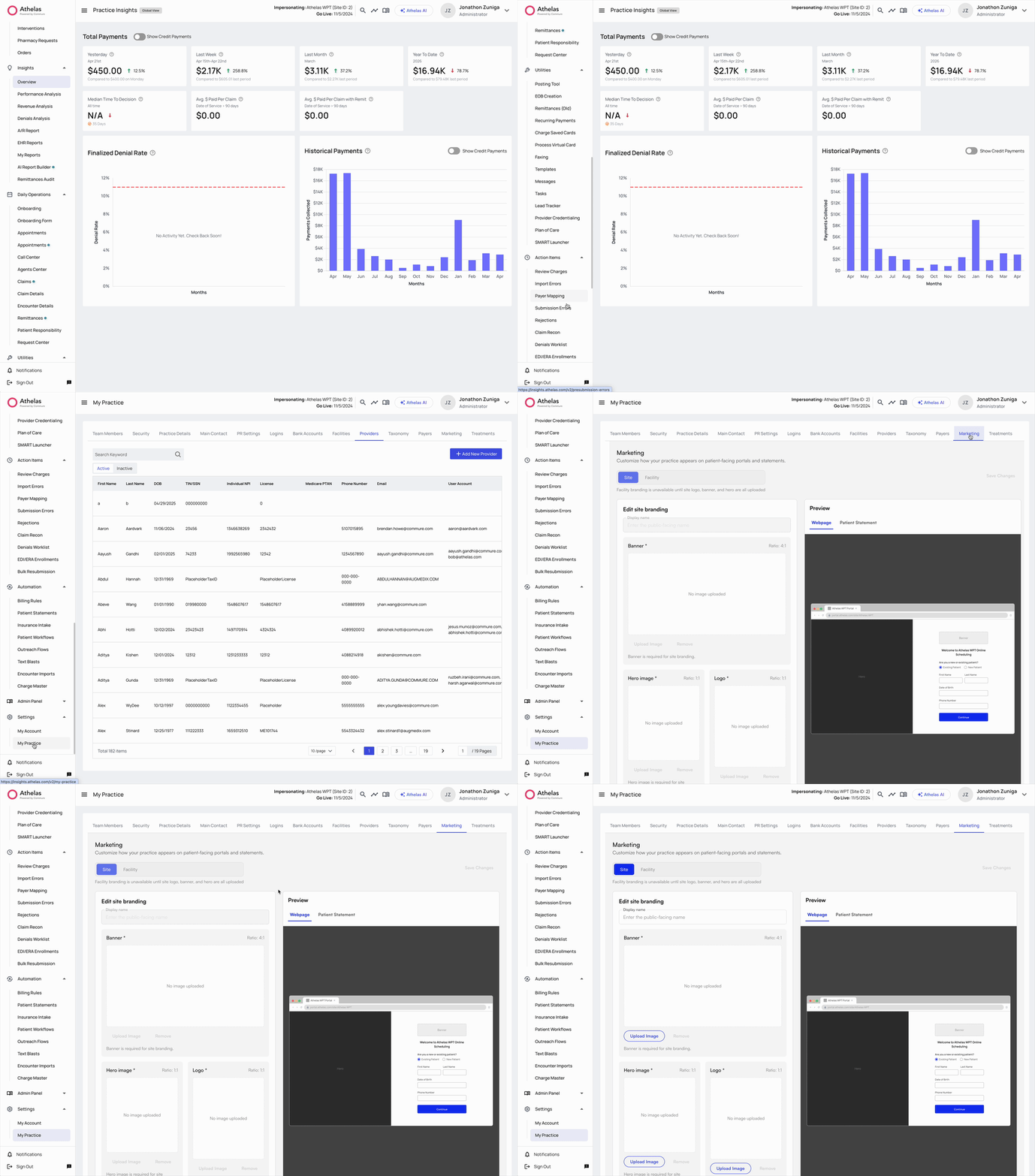
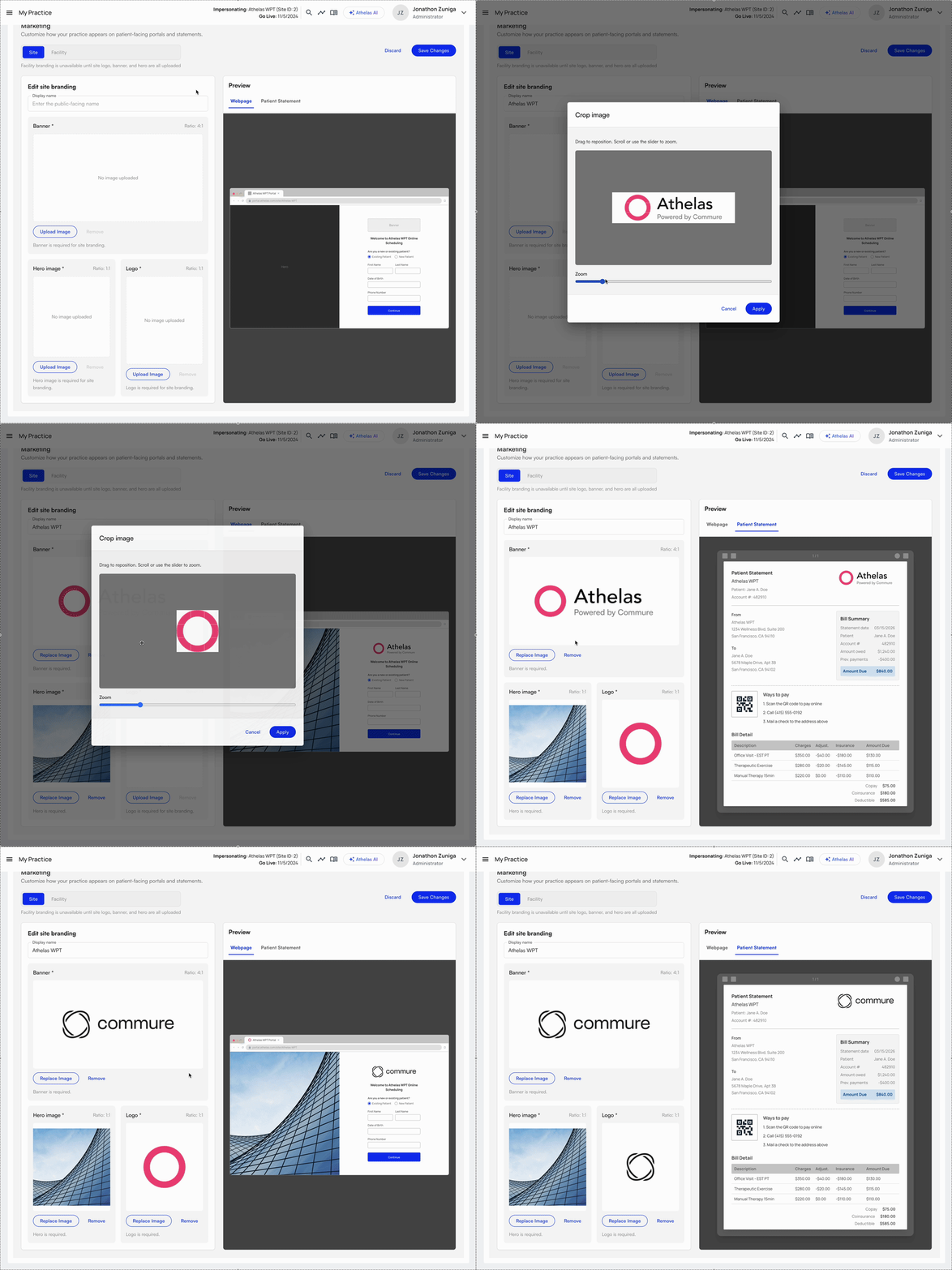
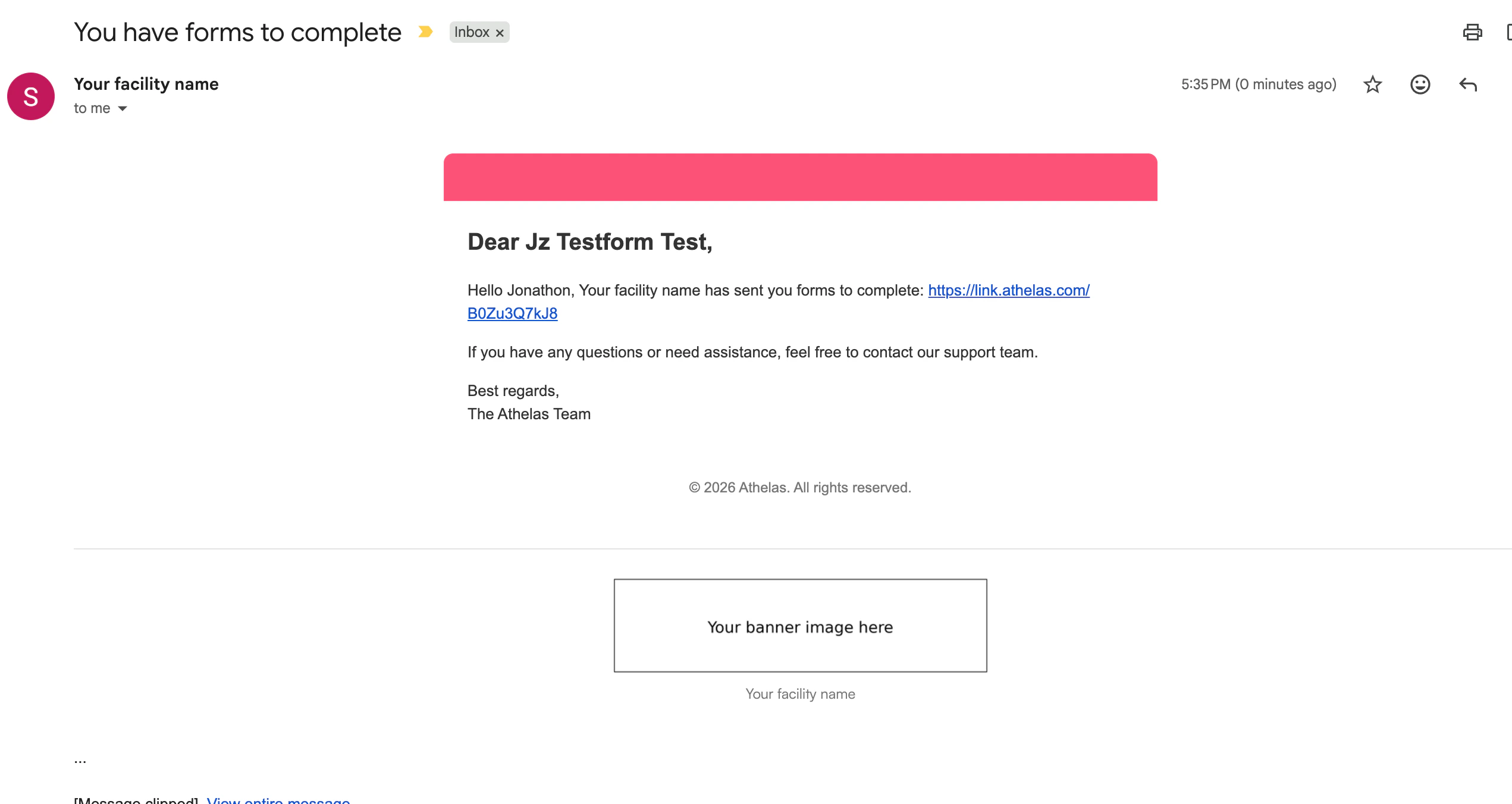
- Display name — The preferred name that appears in outbound messages, the Sent by field in emails, and on external-facing surfaces like the Lead Tracker landing page and the Patient Portal.
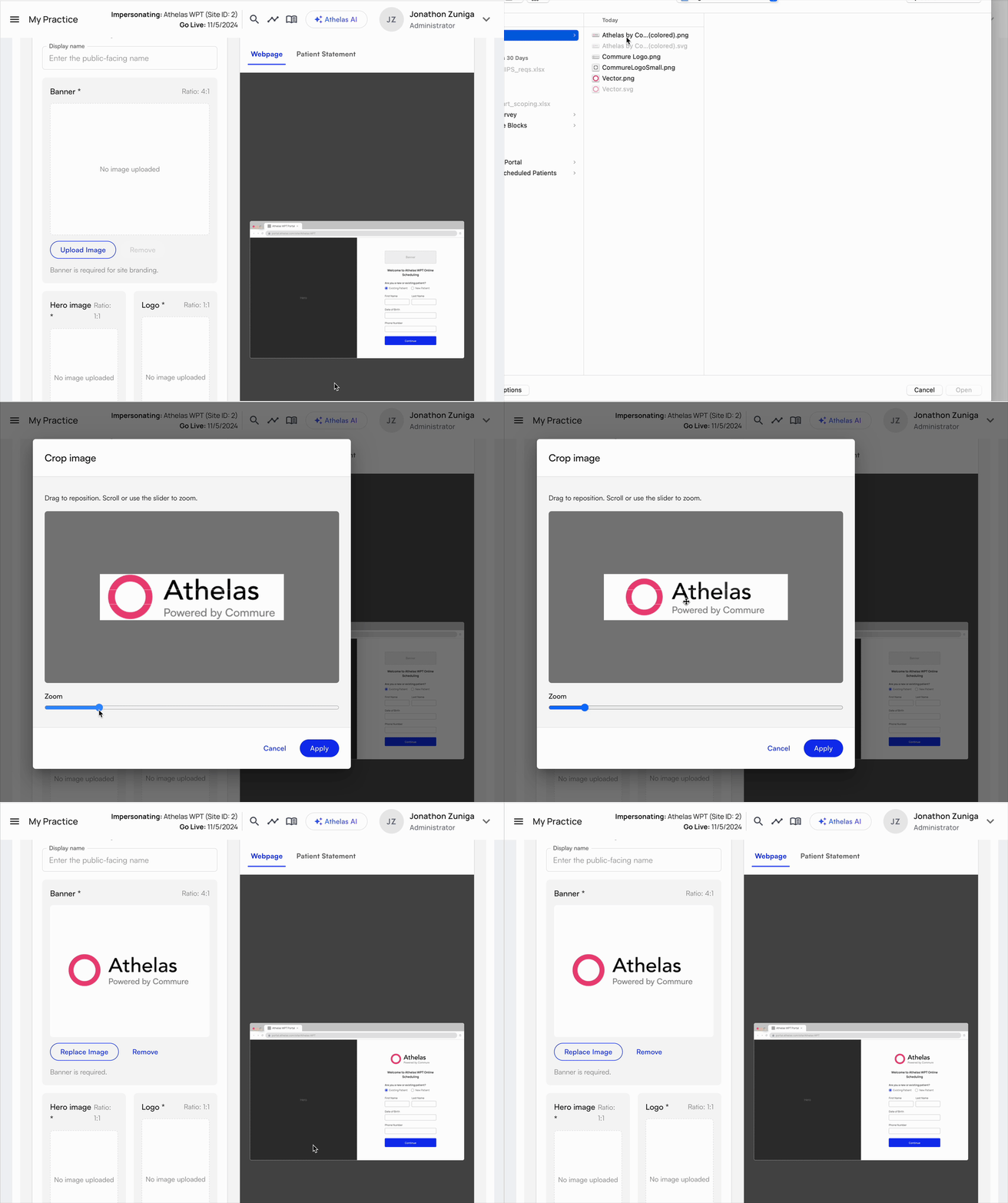
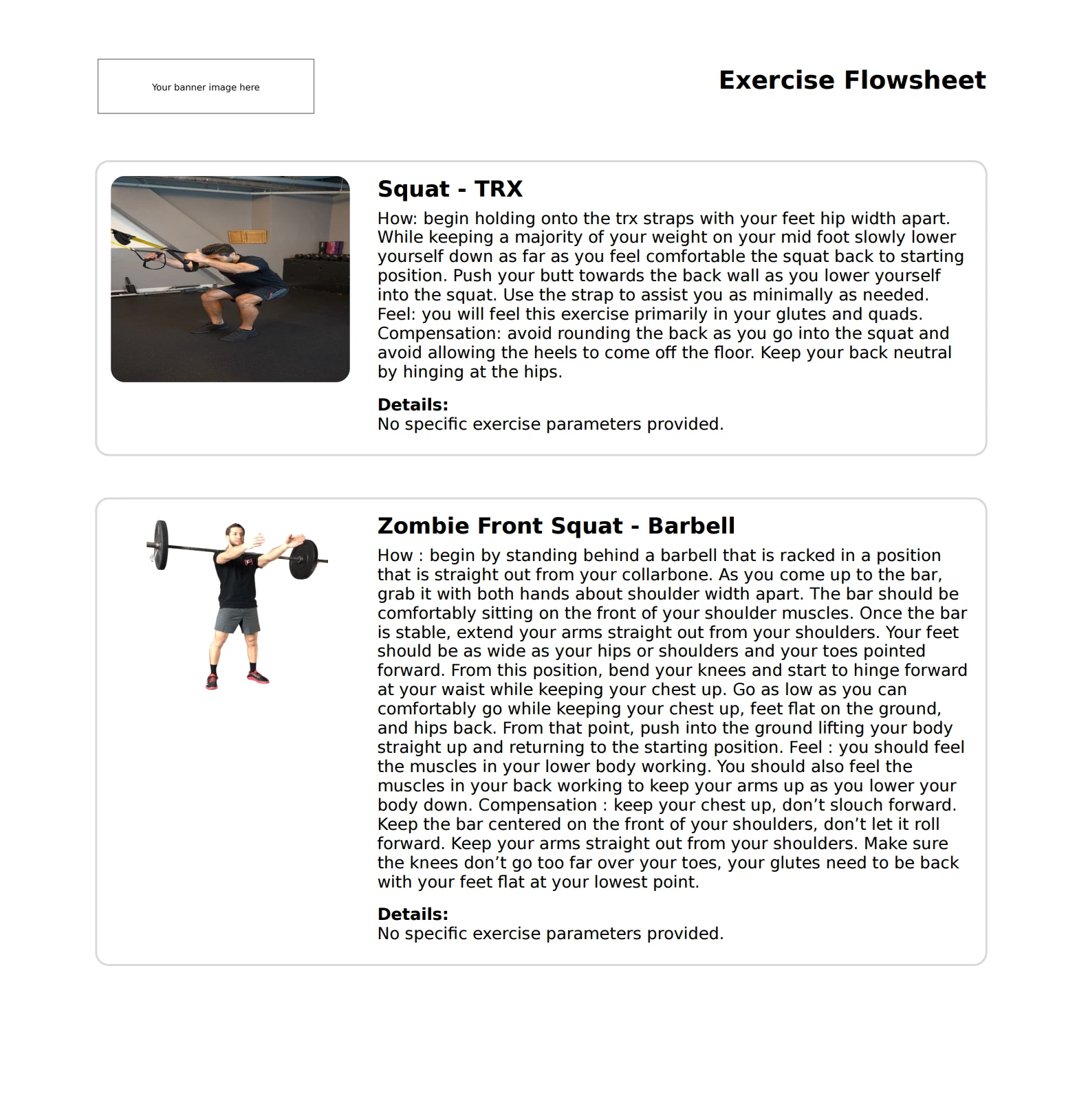
- Banner image — A 4:1 ratio image that appears in places like the header of PDFs, the bottom of outbound emails, and above fields and forms patients fill out.
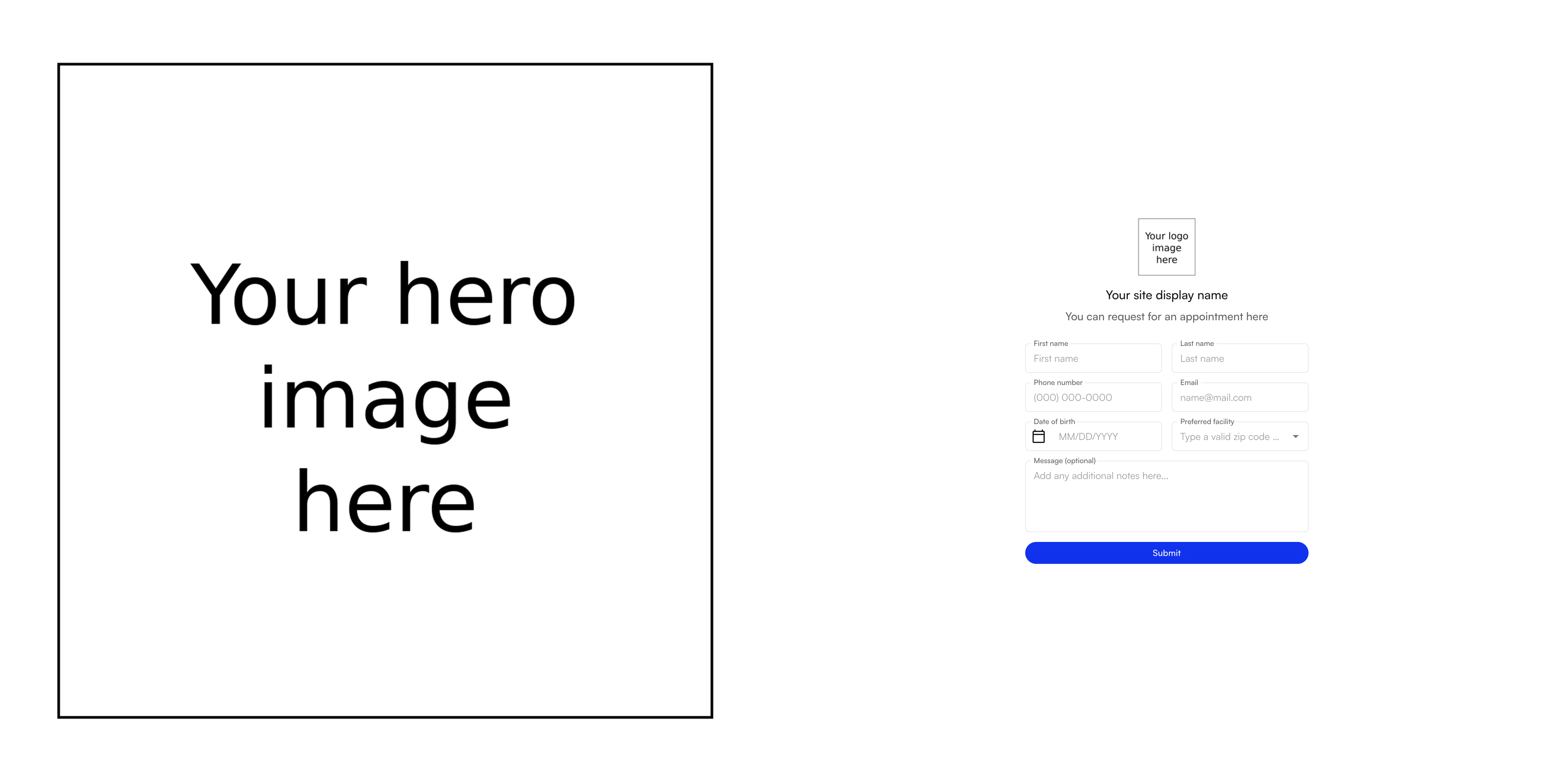
- Hero image — A large 1:1 ratio image that appears as the detail image on website surfaces like the Patient Portal and the Lead Tracker landing page.
- Logo image — A smaller 1:1 ratio image used as the icon in browser tabs and smaller logo locations.
Facility-level branding
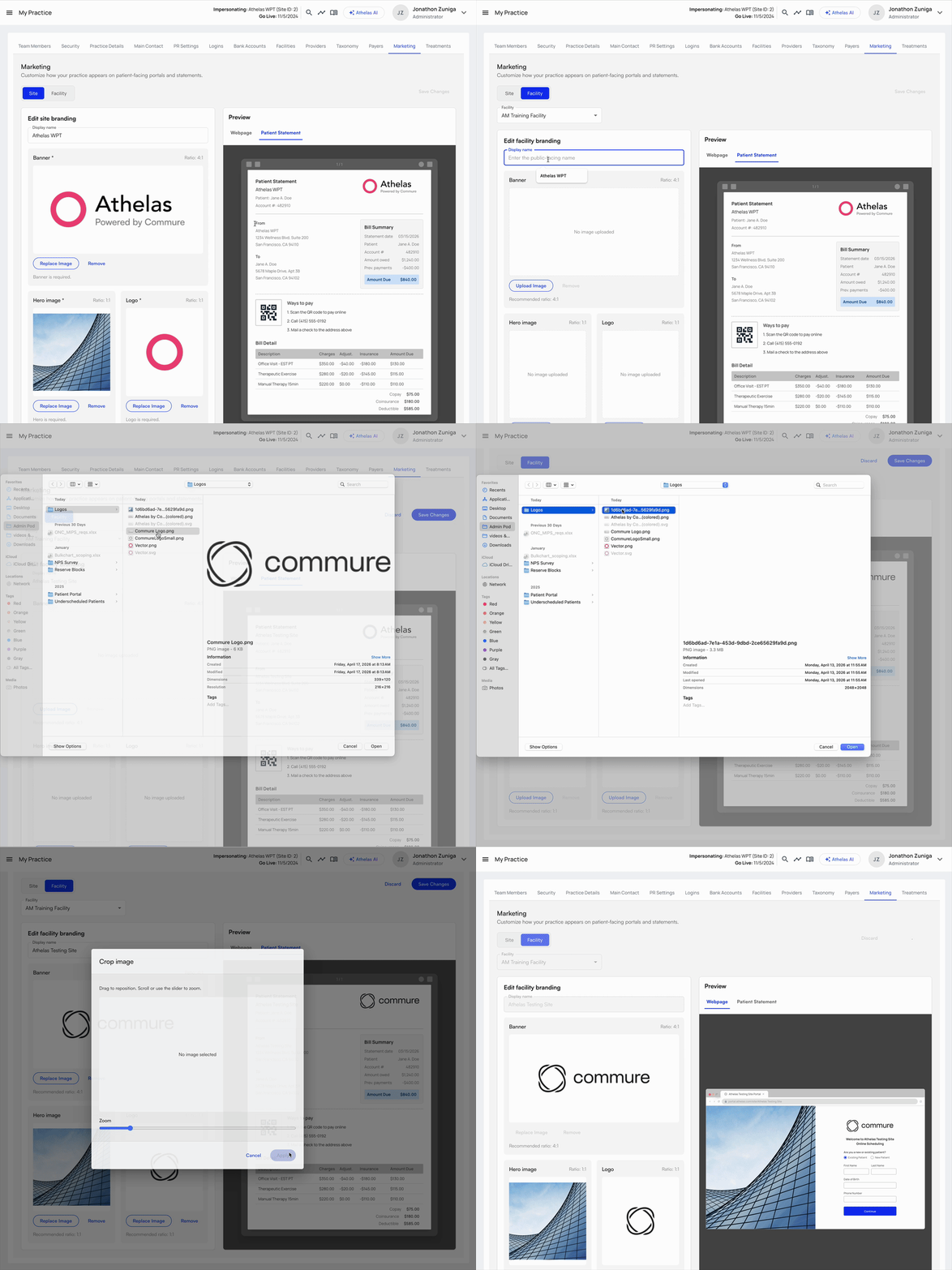
If specific facilities have their own branding or naming needs, you can adjust facility-level branding through the Facility tab. The Facility tab becomes accessible once the initial site-level branding has been saved. To configure facility-level branding, select the desired facility in the dropdown and edit the facility-level settings.Any unedited fields on a facility default to the site-level setting. For example, if you don’t upload a hero image for a facility, it inherits the site-level hero image.
Branding locations
The uploaded logos and preferred names appear across a variety of patient-facing surfaces.Billing PDFs
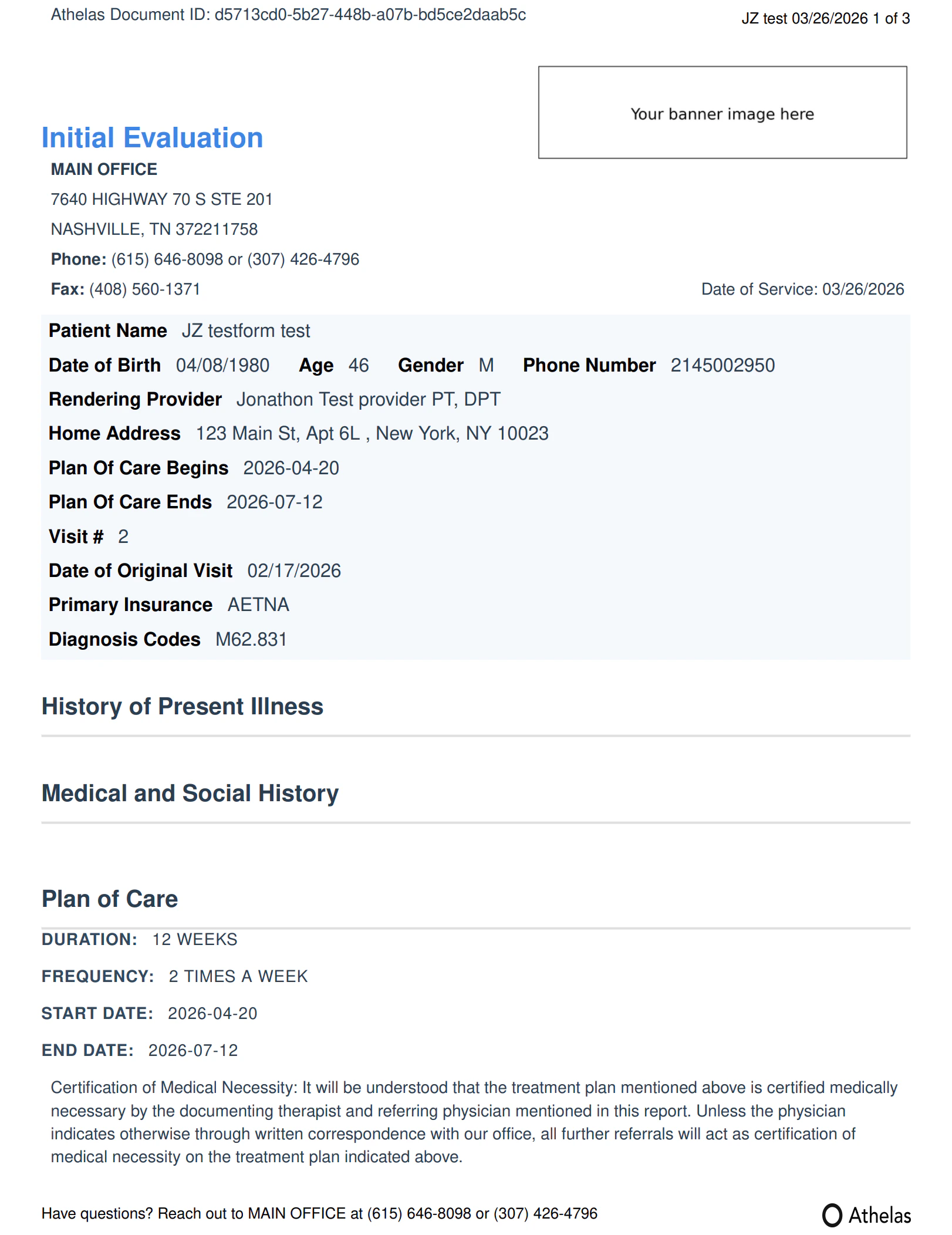
HEP PDF
Lead Tracker landing page
Patient Portal
Portal sidebar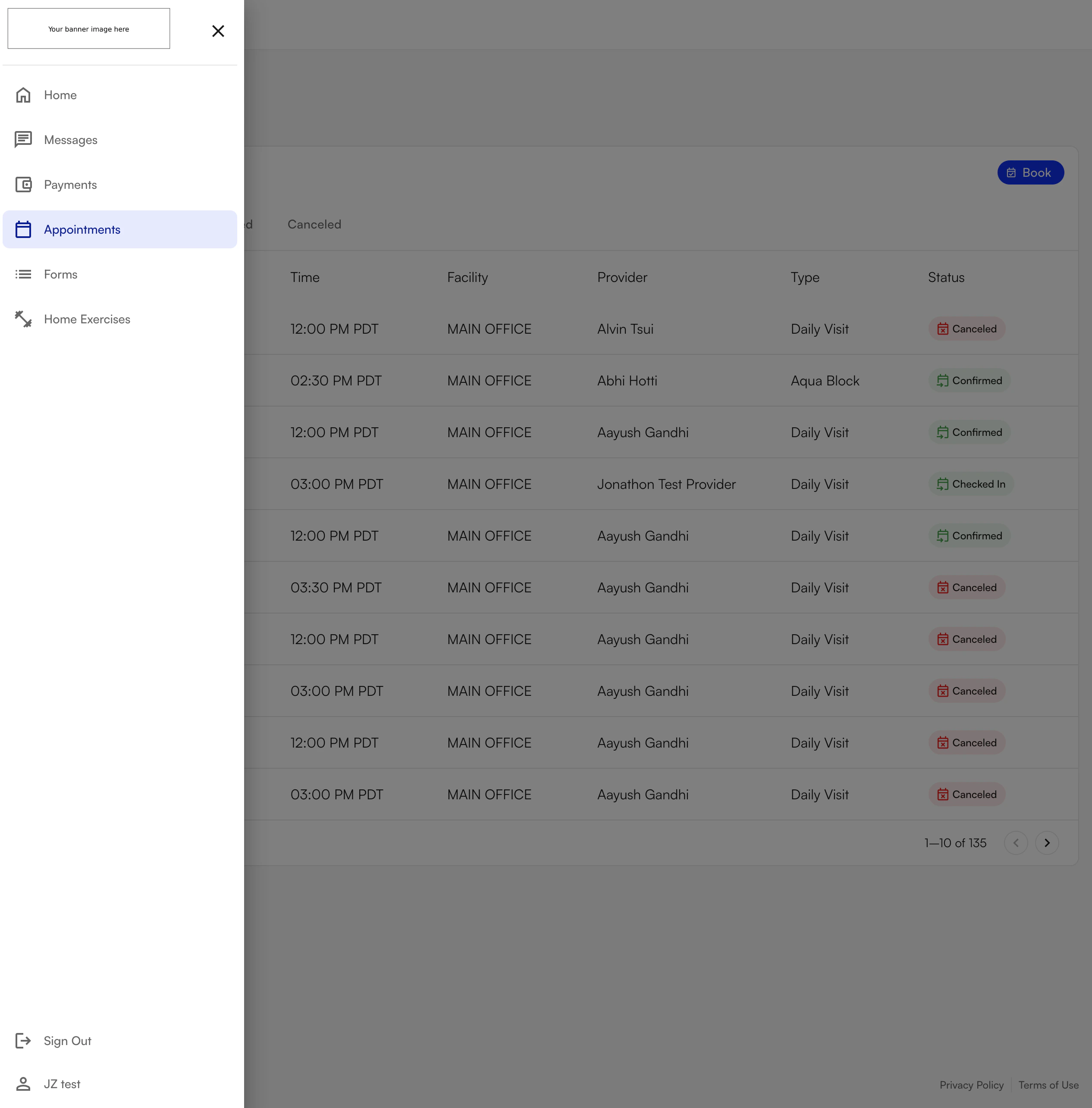
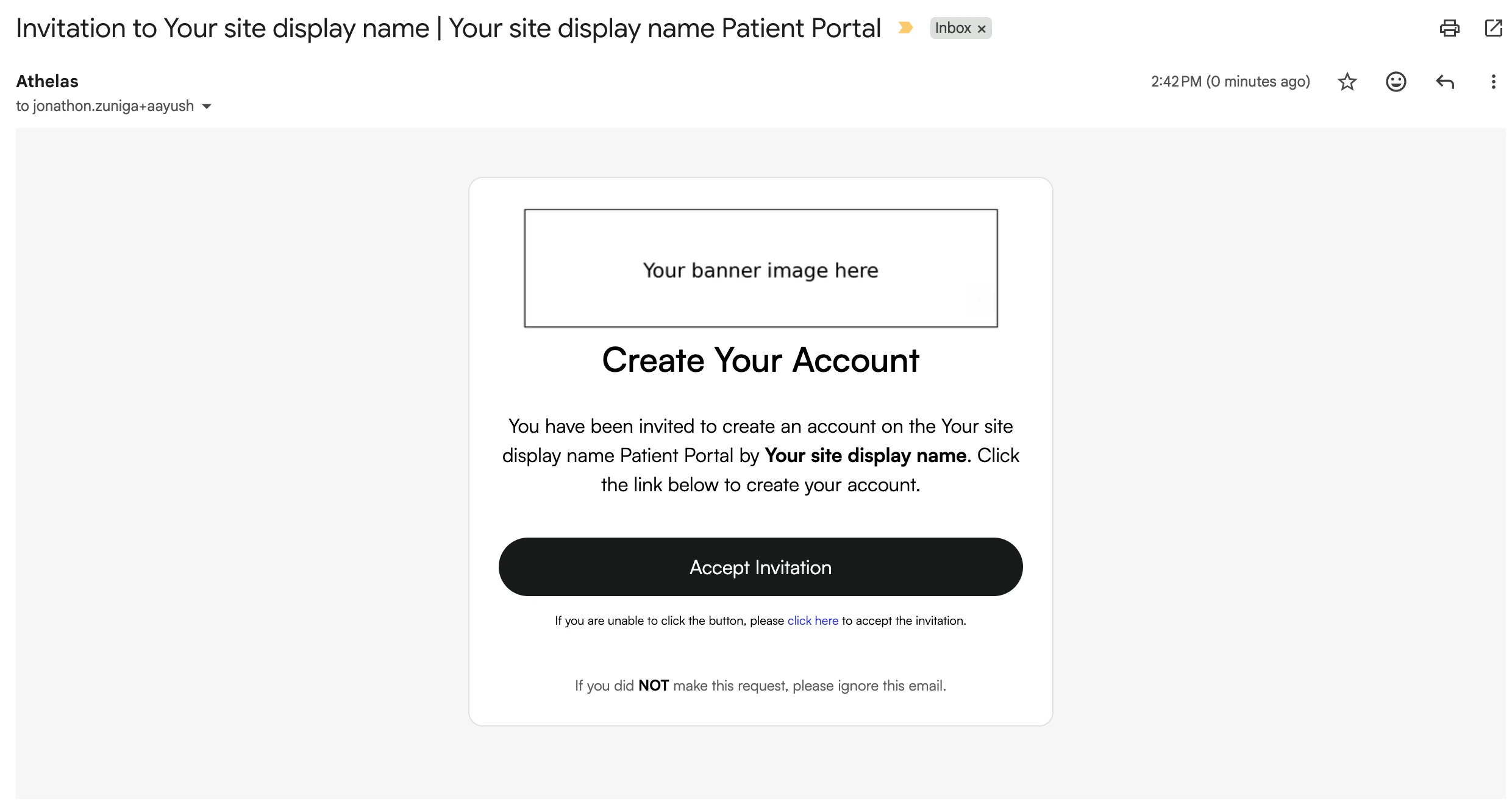
Online scheduling
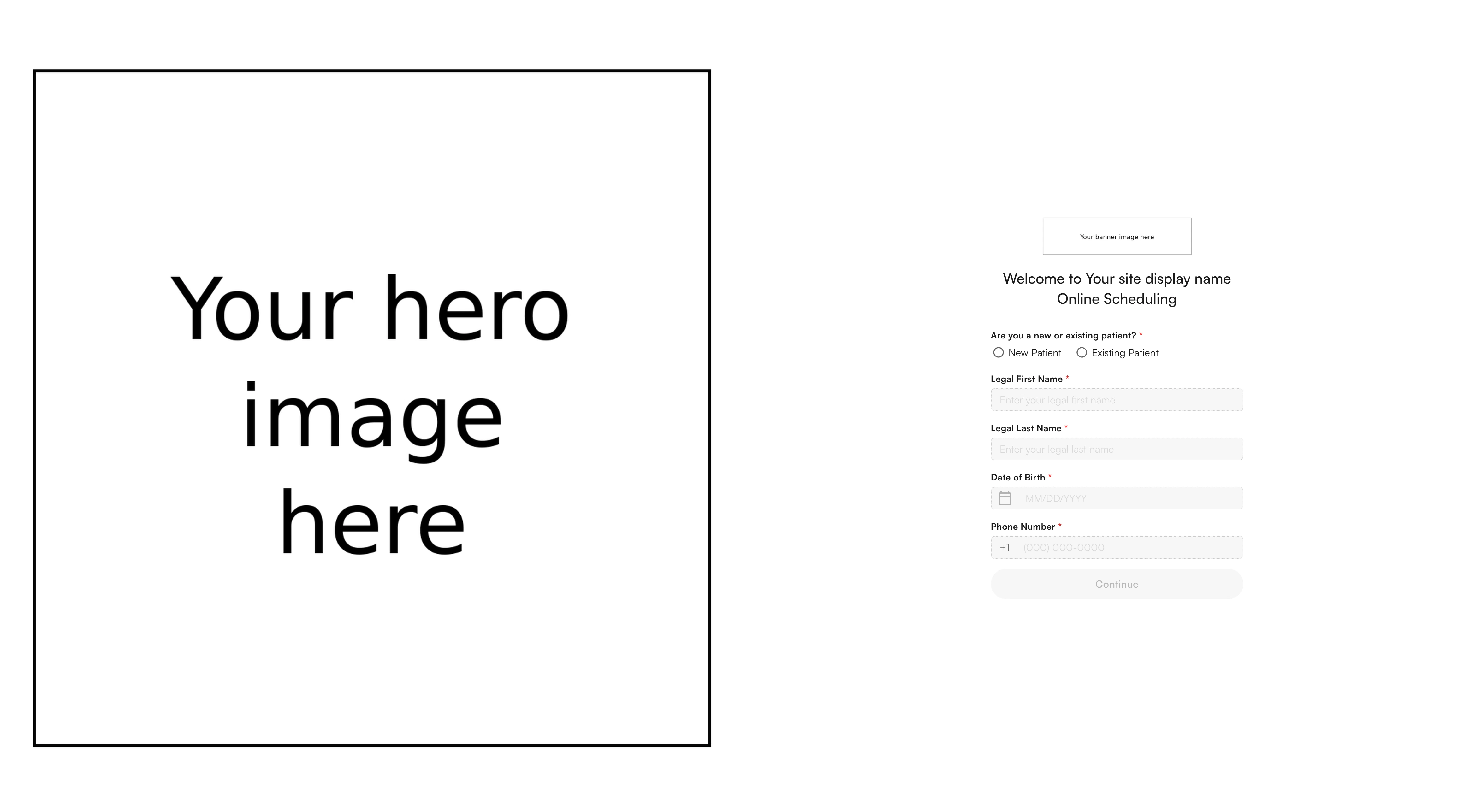
Kiosk
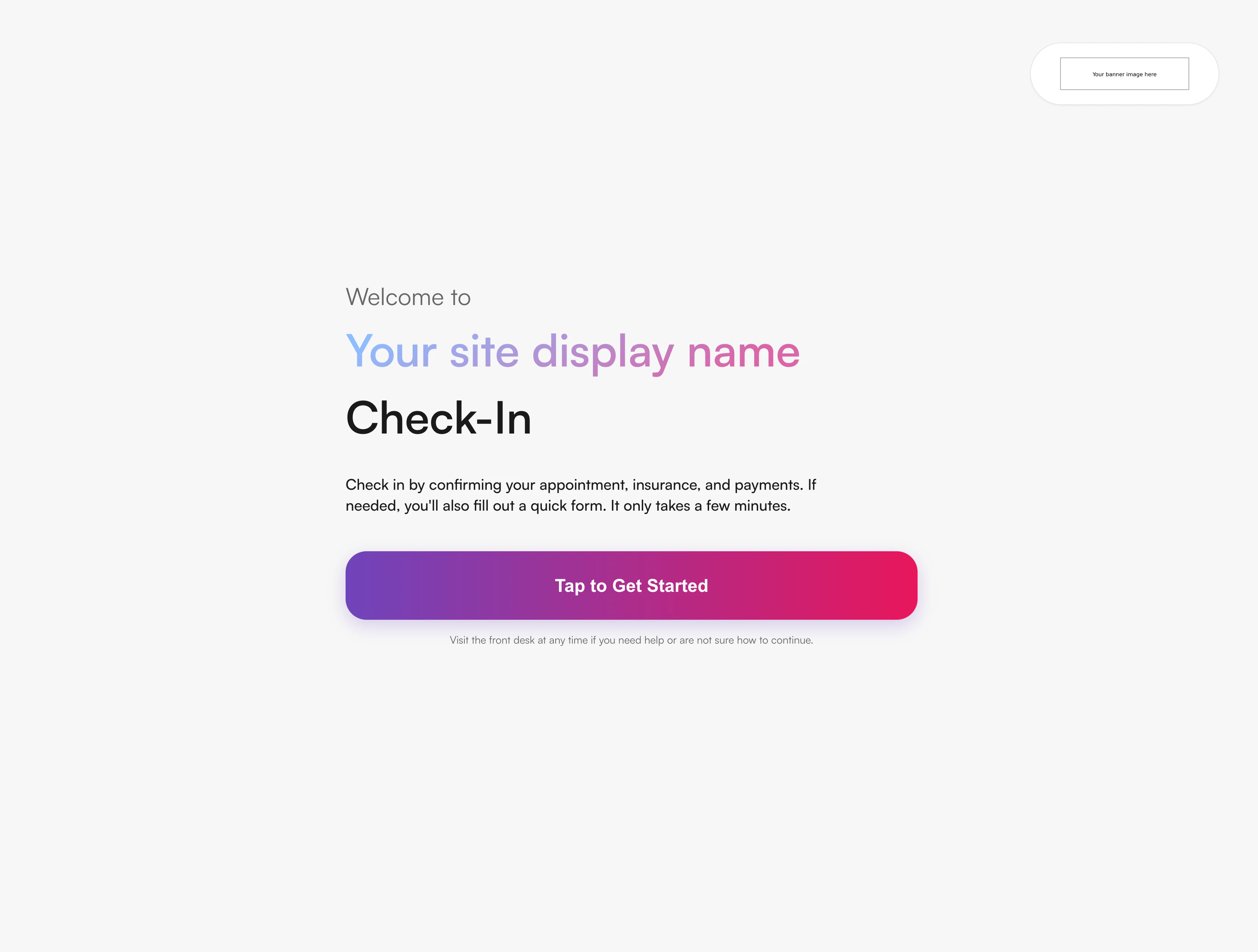
Patient outreach
Text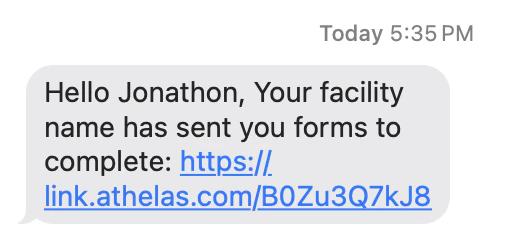
FAQ
What's the difference between Display Name and Billing Name?
What's the difference between Display Name and Billing Name?
Display Name is the patient-facing preferred name used in outbound messages, email Sent by fields, the Patient Portal, and the Lead Tracker landing page. Billing Name is the legal name on billing PDFs and other legal documents — that one is set under My Practice → Facilities and is not affected by Branding Engine changes.
What aspect ratios should I use for each image?
What aspect ratios should I use for each image?
- Banner image: 4:1 (wide).
- Hero image: 1:1 (square, large).
- Logo image: 1:1 (square, smaller — used as a browser-tab icon).
Can I have different branding per facility?
Can I have different branding per facility?
Yes. Once you save your site-level branding, the Facility tab becomes available. Select a facility from the dropdown to override individual fields. Any field you leave blank inherits the site-level value — so you can override only the pieces that differ (for example, just the display name) without re-uploading every image.
Where will I see my new branding after I save?
Where will I see my new branding after I save?
Across patient-facing surfaces: billing PDFs, HEP PDFs, the Lead Tracker landing page, the Patient Portal (sidebar and invitation link), online scheduling, the kiosk, and outbound text and email outreach. The live preview on the Marketing tab shows examples of the key surfaces as you make changes.
Do I need to upload all four image types to start?
Do I need to upload all four image types to start?
No — only the assets you have on hand. The Facility tab inherits unset fields from the site level, and any patient-facing surface without a configured asset falls back to the default Athelas branding. You can iterate and add the remaining images over time.