> ## Documentation Index
> Fetch the complete documentation index at: https://docs.athelas.com/llms.txt
> Use this file to discover all available pages before exploring further.
# Getting started with Patient Profile
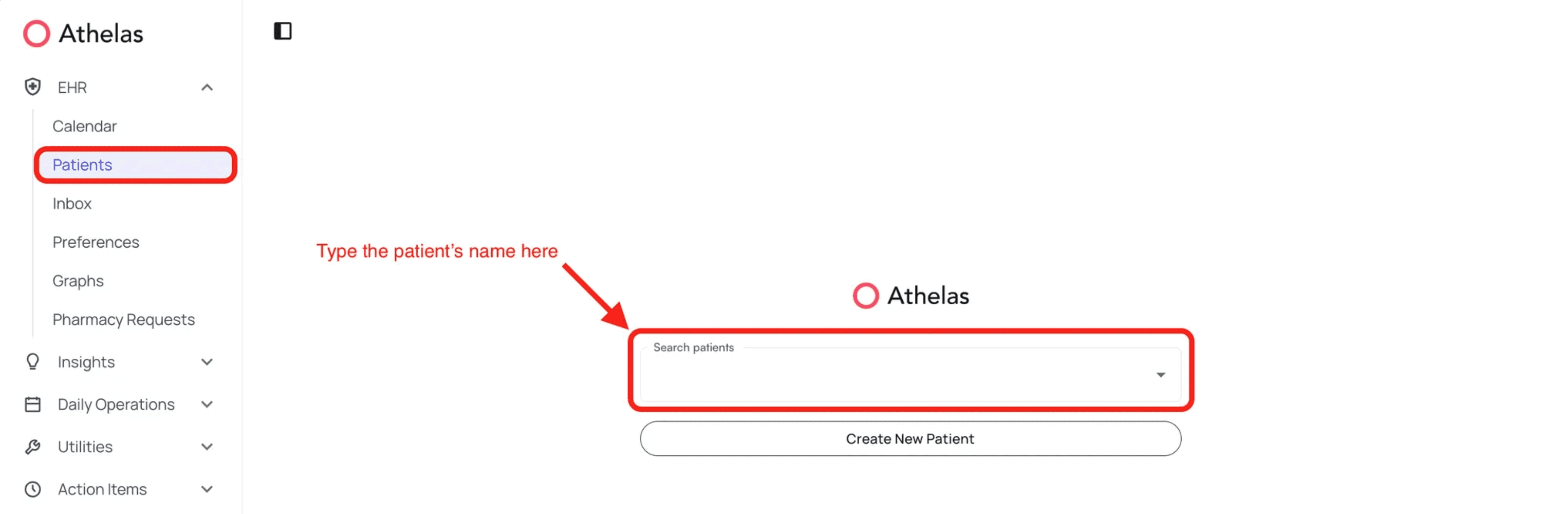
Any patient’s profile can be accessed by clicking on Patients under the EHR section and typing in the name and selecting the patient.
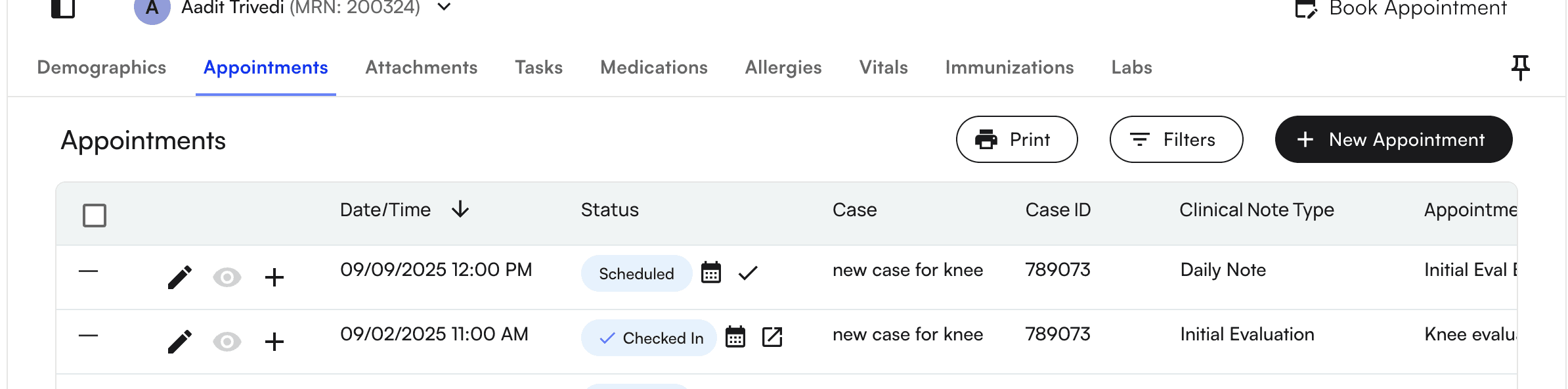
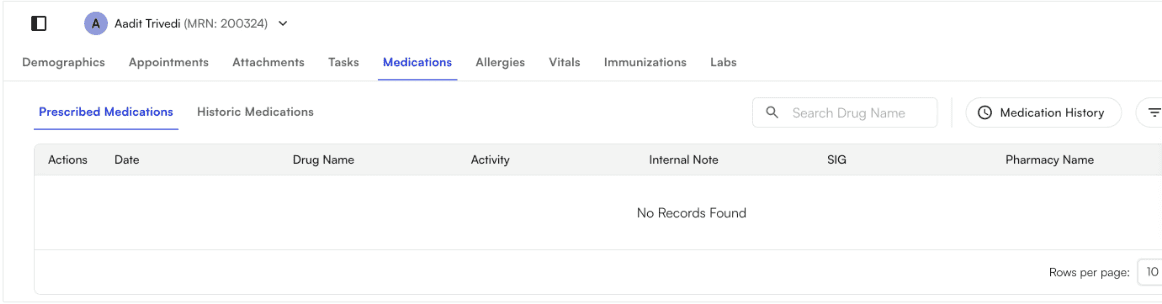
 Selecting the patient’s name will take you to the patient’s profile- specifically to the Appointments tab. Here, you will see several other options: Demographics, Attachments, Tasks, Medications, Allergies, Vitals, Immunizations, and Labs
 You can access pinned “sticky” notes for storing quick-view notes on patients
 Demographics are covered under the Patient Demographics tab. For attachments, see [Add attachments to Patient Profile](/insights_provider/patient_profiles/add_attachments_to_patient_profile).
## Labs
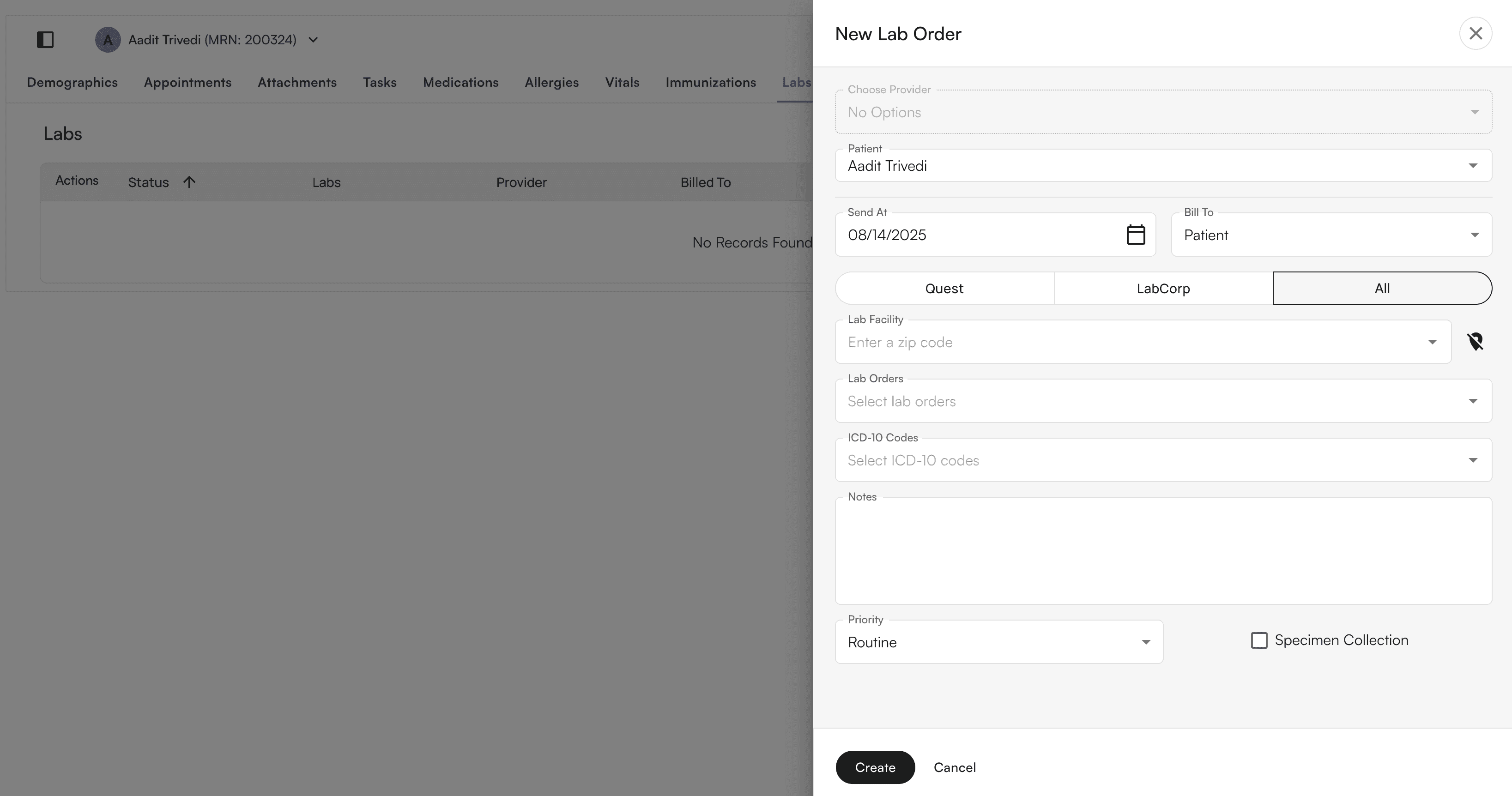
* Send and manage electronic lab orders via HealthGorilla ([100+ supported lab vendors](https://developer.healthgorilla.com/docs/list-of-connected-labs)) for consultation and in-place specimen collection
* Receive lab results via PDF in the patient profile
* Attach ask-at-order questions to lab orders
* Download PDFs of labs
Demographics are covered under the Patient Demographics tab. For attachments, see [Add attachments to Patient Profile](/insights_provider/patient_profiles/add_attachments_to_patient_profile).
## Labs
* Send and manage electronic lab orders via HealthGorilla ([100+ supported lab vendors](https://developer.healthgorilla.com/docs/list-of-connected-labs)) for consultation and in-place specimen collection
* Receive lab results via PDF in the patient profile
* Attach ask-at-order questions to lab orders
* Download PDFs of labs